The most useful real estate video tips come down to four habits. Plan the video around the buyer you want to reach. Show the space accurately. Capture steady, well exposed footage. Then edit and publish it with one clear way to book a viewing. Cinematic polish helps, but only after the viewer understands the home.
A good property video helps someone understand the home, judge whether it fits their needs and take a clear next step. When a listing calls for a full crew, aerial coverage and several cuts, Perseus Creative Studio offers videography services in Vancouver. This guide follows the order of a real shoot, for agents and small teams filming or briefing one themselves.
1. Define Your Audience and Choose the Right Video Format
Start with the buyer and the question they need answered. A first time condo buyer wants to know whether the layout works. A family relocating wants bedroom placement and the yard. A downsizer may care most about stairs, storage and parking.
| Format | Buyer question it answers | Typical destination |
|---|---|---|
| Listing walkthrough | How do the rooms connect? | Listing page, YouTube, agent website |
| Agent led tour | What would I only learn by visiting with the agent? | YouTube, email |
| Social teaser | Is this home worth a closer look? | Reels, Shorts, TikTok, Stories |
| Lifestyle property film | What would living here feel like? | Premium listings, paid campaigns, development launches |
One shoot can cover several formats, but only if they are planned. A hypothetical example: an agent needs a two minute walkthrough and two vertical teasers. The crew films the walkthrough horizontally, then repeats the kitchen reveal and the view in vertical framing before packing up. That second pass takes minutes and saves a compromised crop later.
2. Plan a Shot List Around the Property’s Strongest Features
A shot list keeps the shoot focused and stops the edit from becoming a tour of every closet. A compact sequence for a detached home might look like this:
- The approach: street, entry and front door.
- The principal living space, wide enough to show how it opens to other rooms.
- The kitchen and its link to dining or family space.
- The primary bedroom, plus any bedroom that matters to this buyer, such as a nursery or office.
- The defining feature: the view, the suite, the workshop or the garden.
- Outdoor context: yard, access, parking and frontage.
Screen time should follow importance. A powder room may earn two seconds; a view that justifies the price may earn three shots. Beside each line, note what the shot must prove, such as “island seats four” or “suite has its own entrance.” That note tells you when to move on.
3. Declutter, Stage, and Prepare the Home Before Filming
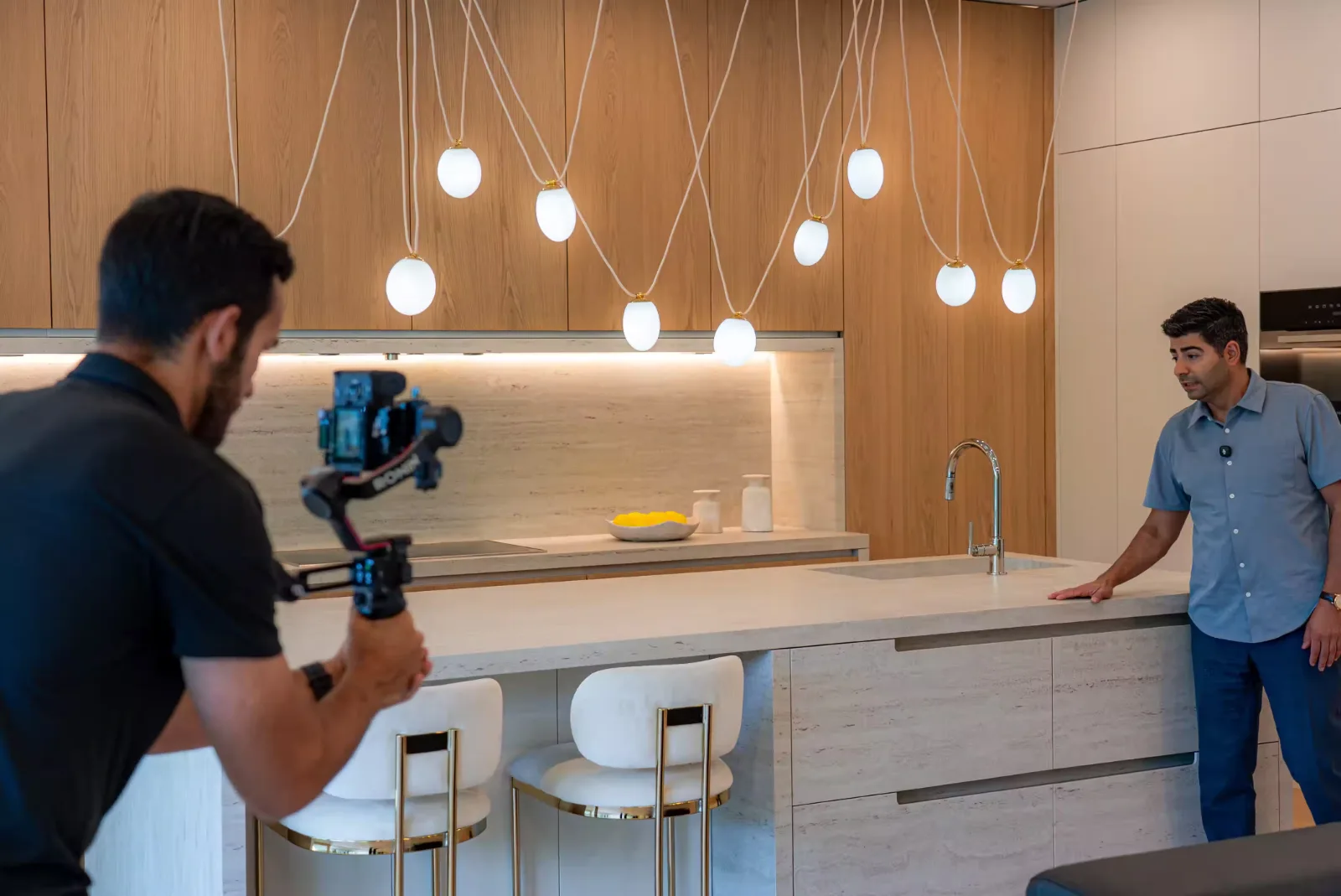
Video is less forgiving than photography, because a moving camera reveals corners a still frame could crop out. The work in our real estate photo shoot checklist applies here, with a few additions:
- Surfaces: counters and sills cleared to one or two deliberate objects.
- Beds: made tightly, because a slow pass shows every wrinkle.
- Cables: chargers, power bars and router cords hidden.
- Reflections: mirrors, glass doors, ovens and televisions checked for you and your equipment.
- Personal information: mail, calendars, prescriptions and anything showing names removed.
- Pets: out of the house, with bowls, beds and litter boxes put away.
- Occupants: filming time and permitted rooms agreed in advance.
Staging should make the home easier to read, never different from what a buyer will find. Moving a chair to open a walkway is staging. Hiding damage the buyer will find at the viewing is not.
Before unpacking equipment, walk the full route with your phone camera open. Check blinds, ceiling fans, toilet lids and every room on the list. A fix now takes seconds. A fix after setup costs the light you planned around.
4. Choose Equipment That Fits Your Budget and Shooting Needs
Expensive equipment does not automatically produce a better listing video. A recent smartphone moved slowly on a gimbal will beat a cinema camera carried handheld in a hurry.
A smartphone is quick to deploy and good enough for teasers and many walkthroughs, but struggles in dim interiors and against bright windows. A dedicated camera adds interchangeable lenses and more control over exposure and colour, at the cost of weight and setup time.
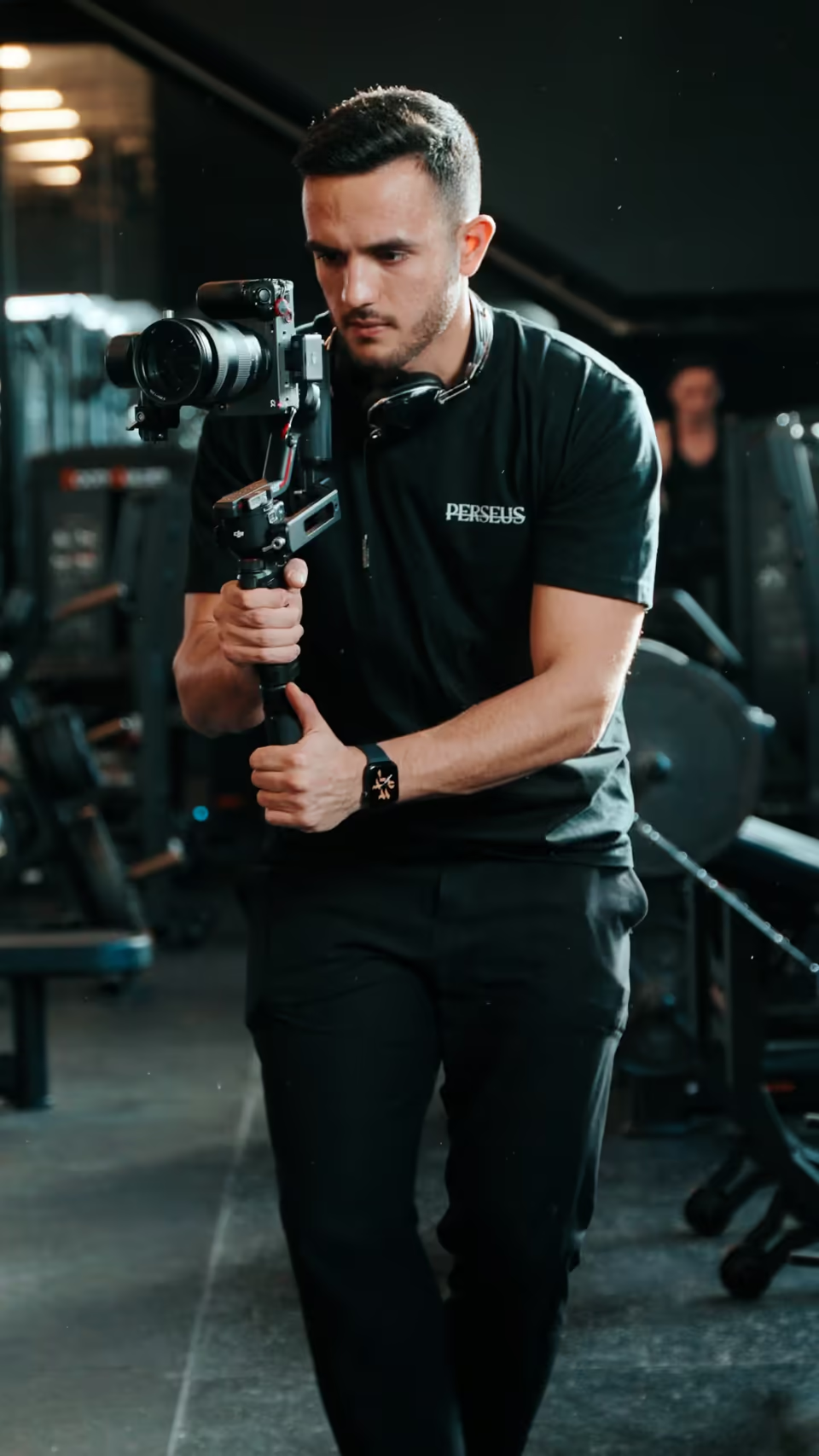
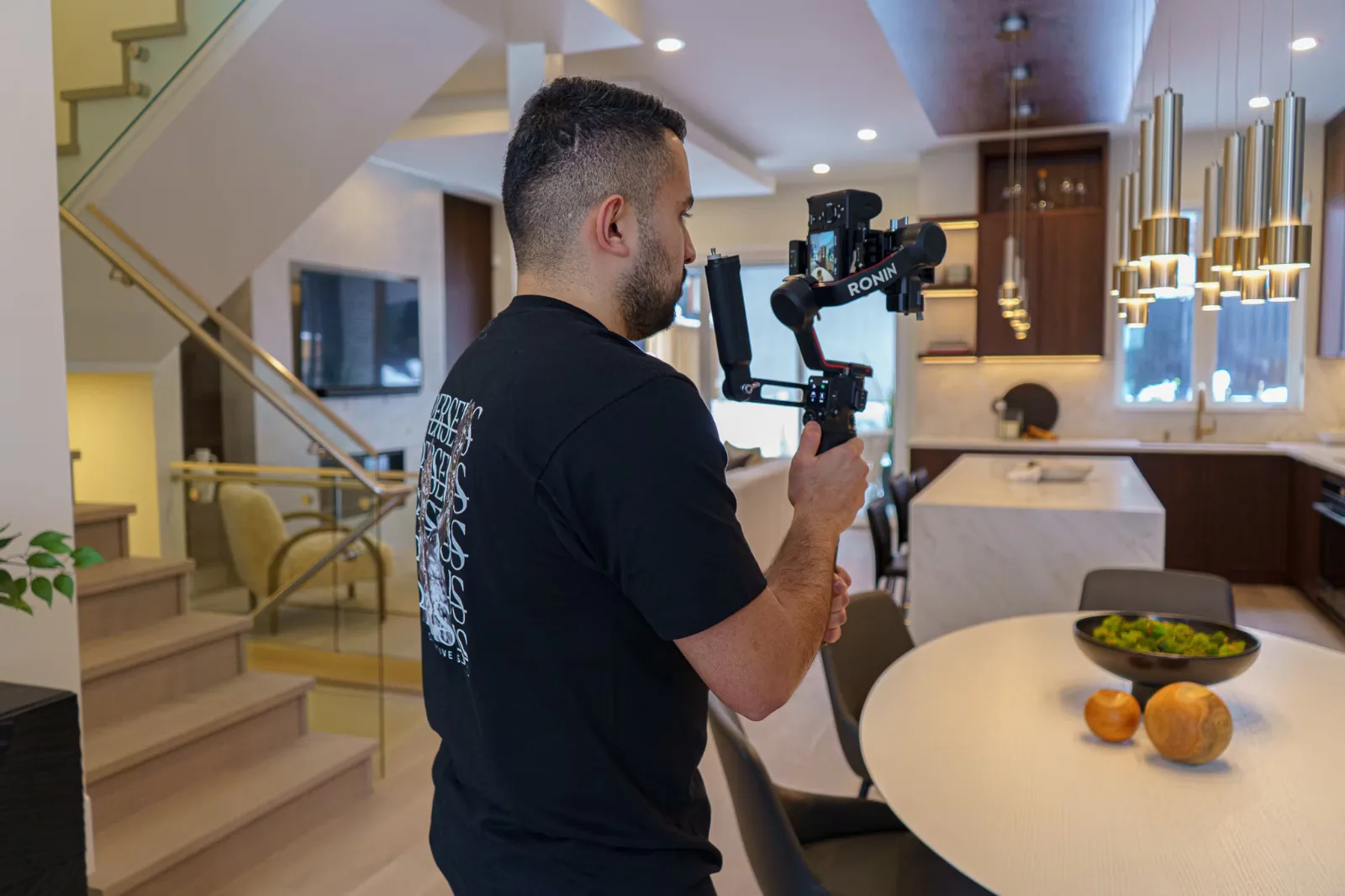
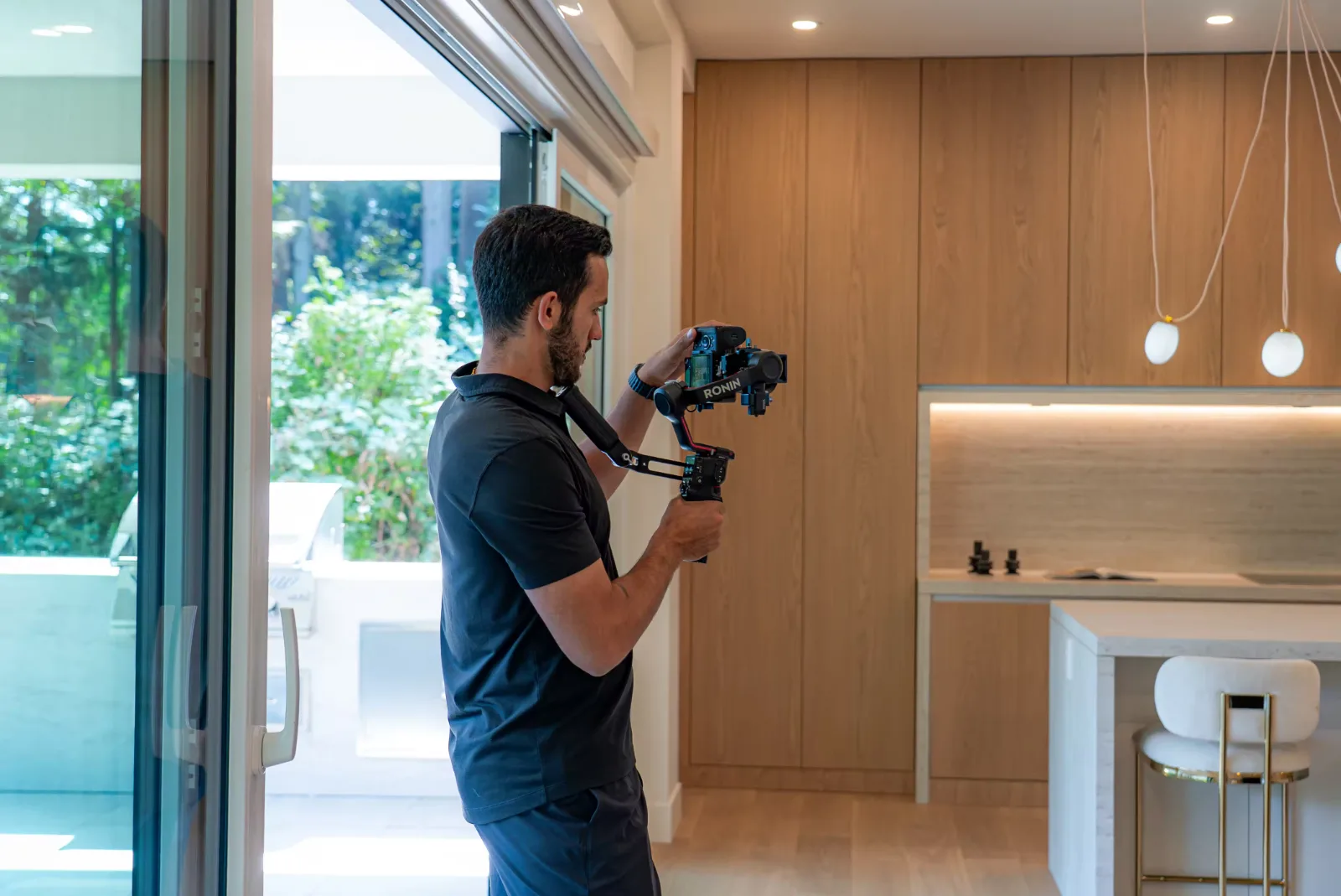
Whichever you use, four supporting tools matter more than the camera body: a tripod for clean static shots or a gimbal for smooth walking movement, an external microphone, a focal length wide enough to show how rooms relate without bending walls, and one soft light to lift a dark hallway. Upgrade when your technique has reached the limit of the equipment, not before.
5. Balance Interior Lighting and Window Exposure
Most interiors mix light sources. Daylight reads cool on camera, while many household bulbs read warm, so one shot can show blue walls by the window and orange corners by a lamp. Decide which source dominates, set white balance for it and keep that setting fixed for the shot. Turn off fixtures that clash.
Windows are the harder problem. A camera cannot hold detail in a bright view and a dim room at the same time. You have three honest options: expose for the room and accept bright windows, add soft interior light to narrow the gap, or film when inside and outside are closer in brightness, such as on an overcast day or after direct sun leaves that side of the house.
Blending several exposures works for stills but does not transfer cleanly to moving video. Expect some scenes to favour the room and others the view.
6. Keep Camera Movement Smooth and Room Proportions Accurate
Slow movement lets viewers read a room. Fast gimbal sweeps look energetic on a monitor but leave viewers unsure of what they saw. A static shot held for four to six seconds often explains a space better than a continuous glide, because the eye has time to find the edges of the room.
Keep door frames and wall corners vertical by holding the camera level rather than tilting it. Keep a consistent height, around chest height for most interiors, so the sequence feels like one visit.
Lens choice is where accuracy is won or lost. Useful width shows how the kitchen opens to the living room. Excessive width stretches the frame edges, so a small bedroom looks generous until the buyer walks in. If a room looks larger on screen than in person, use a narrower focal length. For more on pacing and movement, see our shot by shot breakdown of cinematic listing video.
7. Open With a Strong Hook and Follow a Logical Walkthrough Route
A strong opening and a coherent route can work together. Open with one or two shots of the defining feature, such as the living room view or the garden in afternoon light. Then return to the entry and walk the home in the order a visitor would.
Move from shared spaces to private ones, and from the main floor upward. Use doorways as transitions: end one shot moving toward a doorway and begin the next passing through it. The viewer keeps their bearings and builds a mental floor plan. No single hook length suits every home or platform, so check where viewers drop off and adjust the opening.
8. Combine Wide Shots, Feature Details, and Useful Exterior Footage
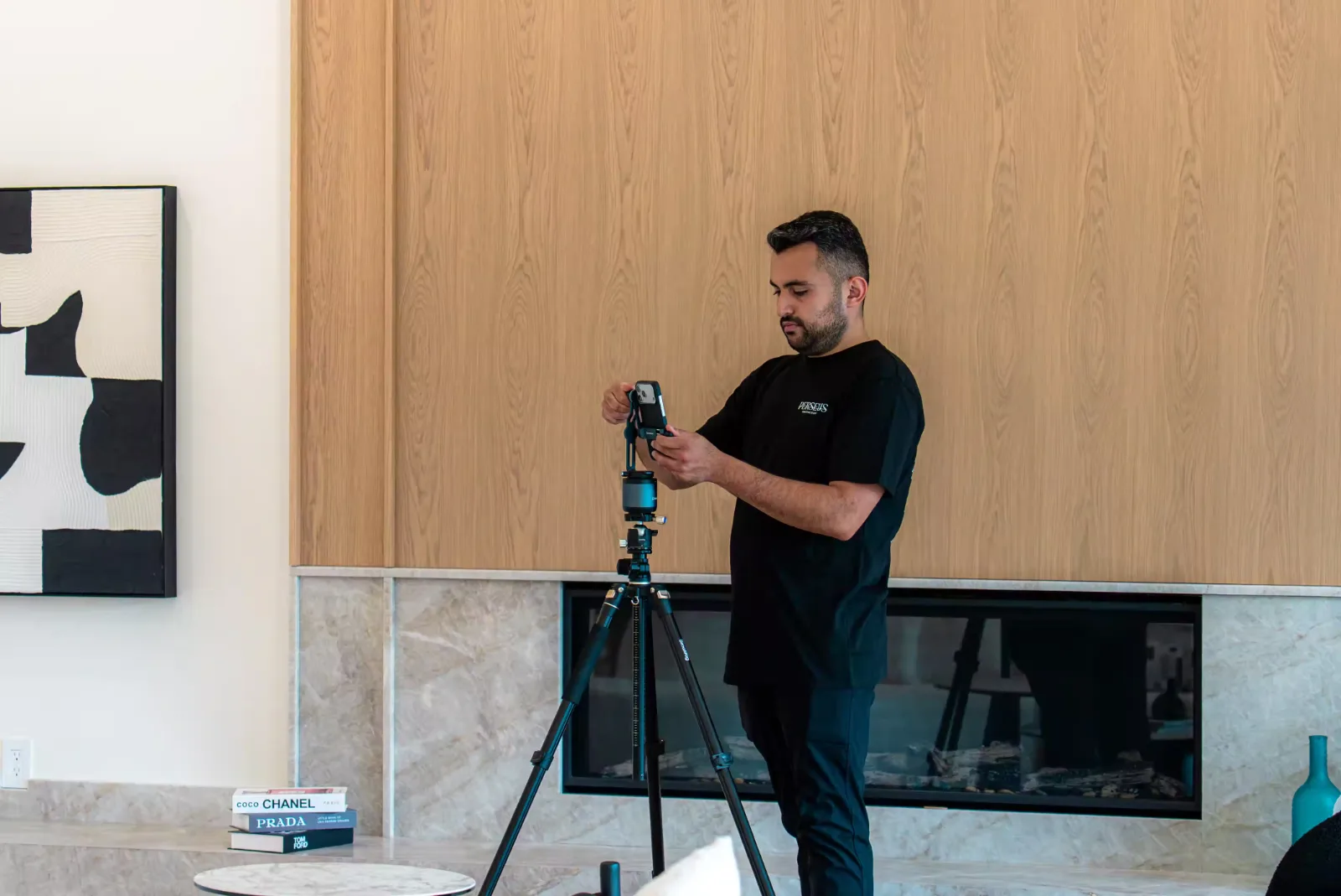
Good coverage works in layers. Wide shots establish layout and room size. Medium shots connect spaces, showing how the dining table relates to the kitchen. Details show finishes and functions a buyer would otherwise miss, such as the counter stone or the storage inside a built in.
Exterior footage should explain something specific: access to the front door, the size and privacy of the garden, or how the home sits on its street. A montage of downtown landmarks for a suburban home is filler. Never cut in a view the property does not have.
9. Record Clear Audio and Keep On Camera Delivery Natural
Viewers forgive soft footage faster than poor sound. Clip a lavalier or compact wireless microphone to the presenter’s chest and monitor through headphones. Empty rooms echo, so film speech in furnished spaces where possible. Switch off fans, dishwashers and range hoods, and listen for the fridge or furnace you stopped noticing an hour ago. Record a ten second test in each room and play it back.
Walking and talking at once produces breathy audio and shakier footage. Often it is easier to film the walkthrough silently and record a voiceover later in a quiet room. Keep delivery short and factual: what the room is and one detail worth noticing. Add captions so the video works with the sound off. Many walkthroughs need no presenter at all.
10. Edit for Attention With Captions, Consistent Color, and Licensed Music
Editing is mostly subtraction. Trim each clip to the moment it becomes useful and cut shots that repeat information. Let pacing follow content: an open living area can hold longer, a hallway can pass quickly. Most listing videos need only straight cuts.
Match white balance across clips so the same wall does not change colour between shots. Keep correction restrained, because pushed saturation turns lawns artificial and floors orange, and buyers notice in person. Captions should be large, high in contrast and away from the frame edges where platform buttons sit. Keep music low under speech.
Access to a song inside an app is not a licence for every use. Instagram states its music library is intended for personal, non commercial use, and YouTube allows Shorts audio library songs only in Shorts up to one minute long. A track that works in one app may not cover the same video on your website, in email or in a paid campaign. Use music licensed for commercial use on every platform where the video will run, and keep a record of each licence.
11. Match Video Length and Orientation to Each Publishing Platform
Upload limits tell you what a platform accepts, not what viewers will watch. YouTube treats square or vertical uploads up to three minutes as Shorts, but that does not make three minutes the right length for a teaser. Sensible starting points to test:
- Social teaser: 15 to 45 seconds, built around the hook and two or three features.
- Full property tour: about one to three minutes for most homes, longer for estates or homes with suites and outbuildings.
Treat both as hypotheses, and compare inquiries between versions, not just completion rates.
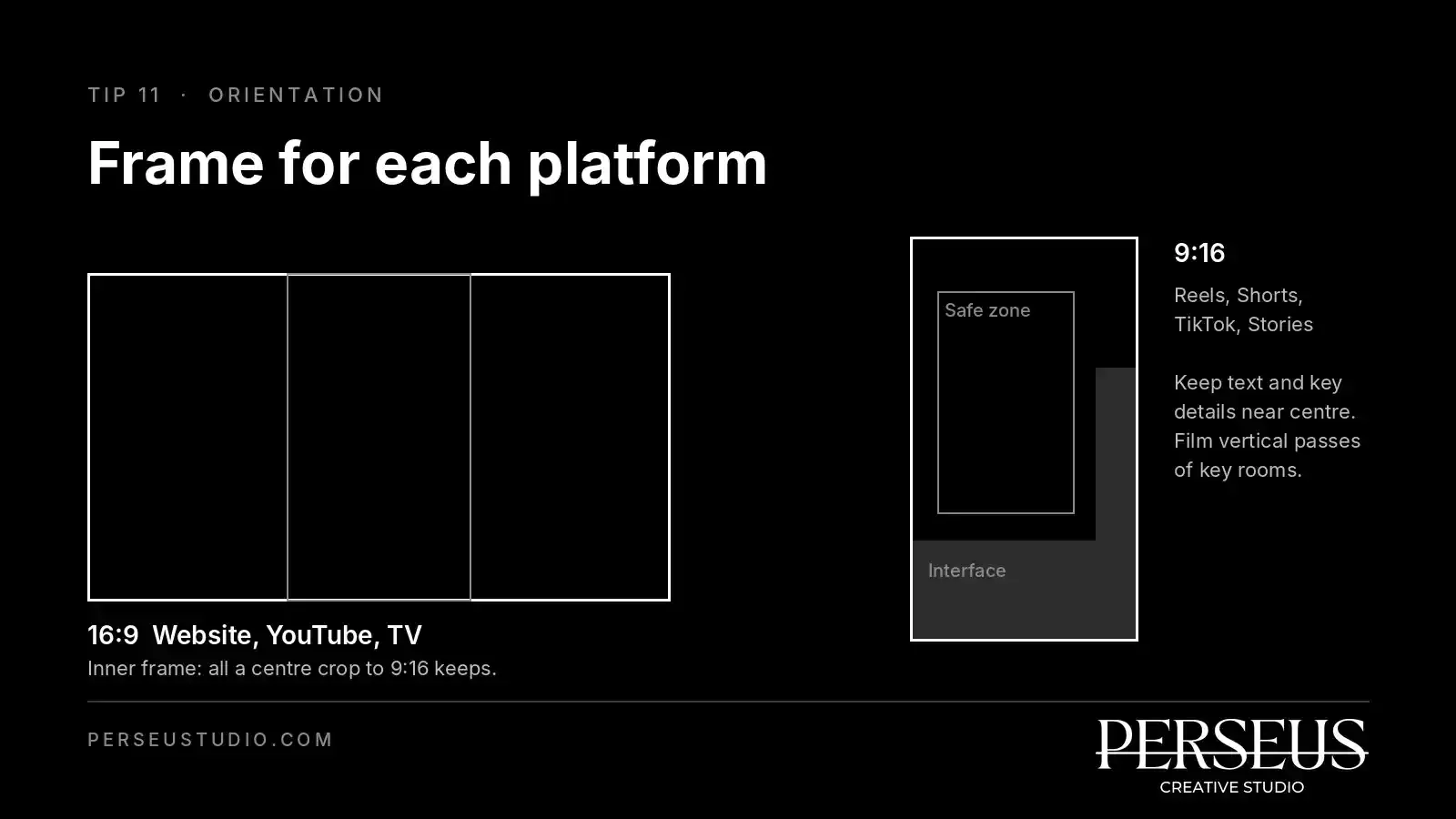
Horizontal 16:9 suits websites, YouTube and television screens. Vertical 9:16 suits Reels, Shorts, TikTok and Stories. Vertical feeds place usernames, captions and buttons over the lower part and right edge of the frame, so keep text and key details near the centre. A centre crop from horizontal footage often fails real estate, turning a wide living room into a slice of sofa. When vertical versions matter, film dedicated vertical passes of the key rooms.
12. Add a Clear Call to Action and Track Viewing Inquiries
Give each video one next step that suits its destination: book a viewing, request the feature sheet or join the open house list. One clear action works better than three competing ones.
Views and likes show attention, not intent. Track three stages separately: a page visit, a submitted inquiry and a confirmed viewing. Use tagged destination links on every platform. Google Analytics recommends always setting utm_source, utm_medium and utm_campaign, with consistent lowercase names so one campaign does not split into several report rows. Send links to a page with an inquiry form, and record the lead source in your CRM. Never put names, email addresses or phone numbers in tracking URLs.
Attribution will always be incomplete, since a buyer may watch on a phone and search the address on a laptop days later. Read the data as direction, and ask each inquiry where they first saw the property.
Real Estate Video Mistakes to Avoid
Repetitive Footage, Distracting Transitions, and Excessive Branding
A quick diagnostic: if you can describe two clips in the same words, cut one. Spin and whip transitions draw attention to the edit instead of the home. A long logo animation, a large permanent watermark or an agent card in every scene interrupts viewing. Keep branding to a brief open, a clean close and a small mark if your brokerage requires one.
Misleading Wide Angles, Heavy Retouching, and Inaccurate AI Edits
The test: would a buyer who walks in after watching feel misled? Extreme wide angles fail it. So does retouching that removes cracks, stains or worn flooring. AI tools raise the stakes, because they can erase defects, replace a grey sky with an invented mountain view or stretch a wall so a room looks larger.
Correcting white balance or removing your own reflection from a mirror improves accuracy. Changing what the property is, contains or overlooks does the opposite. Check your brokerage’s advertising rules before using any generative edit on listing footage.
Publishing Without Checking Property Details and Seller Privacy
Send the final cut to the seller for approval, and check every onscreen detail against the current listing. Then review each frame for family photographs, children’s names, documents, open screens, alarm panels, lockboxes, garage keypads, visible access codes and views that reveal security cameras or easy entry points. When the listing changes or the home sells, update the caption and call to action, or take the video down.
Conclusion
A strong listing video comes from a routine you repeat on every property. Start by defining the buyer, the formats you need and where each version will be published. Then write the shot list, prepare the home and walk the route before any equipment comes out. On the day, control the light, move slowly, keep verticals straight and record clean audio. In the edit, cut repetition, match colour, add captions and use properly licensed music. Before anything goes live, confirm accuracy, privacy and seller approval. Once it is published, tag every link and judge the video by the inquiries and confirmed viewings it produces, not only by views. Run that sequence on a few listings and it gets faster each time. If you would rather hand production to a team that plans every format from one shoot, get in touch with Perseus Creative Studio to plan your next property video.