The video production process takes a project through planning, filming, editing and final delivery. It connects your business objective to creative decisions, approvals and usable files, with each stage providing what the next stage needs.
Perseus Creative Studio offers video production services Vancouver businesses can commission for brand films, commercials and event coverage. Understanding the workflow helps you prepare a useful brief and assess a proposal, whatever the project’s format.
A shoot day is only one part of that work. Before filming, you agree on what the video must achieve. Afterwards, you review how the footage tells that story and confirm that the finished deliverables meet the brief.
What Is the Video Production Process?
A production workflow is the sequence of creative, logistical and technical tasks that turns an idea into finished video. For a client, it also establishes who supplies information, who makes decisions and when approval is needed.
The sequence matters because decisions create dependencies. An approved message guides interview questions; agreed outputs guide framing; an approved edit allows detailed finishing to proceed. Changes remain possible, but their effect grows when they require completed work to be revisited.
The Three Core Stages: Pre-Production, Production and Post-Production
- Pre-production: define the purpose, develop the creative approach and arrange the people, locations and resources.
- Production: record the planned pictures and sound.
- Post-production: organize and edit the material, then complete colour, sound, graphics and exports.
Delivery and distribution extend this three-stage model into practical use. File handoff, publishing, promotion and measurement need planning from the beginning, although responsibility for them depends on the agreed scope.
Pre-Production: Build the Plan Before Filming
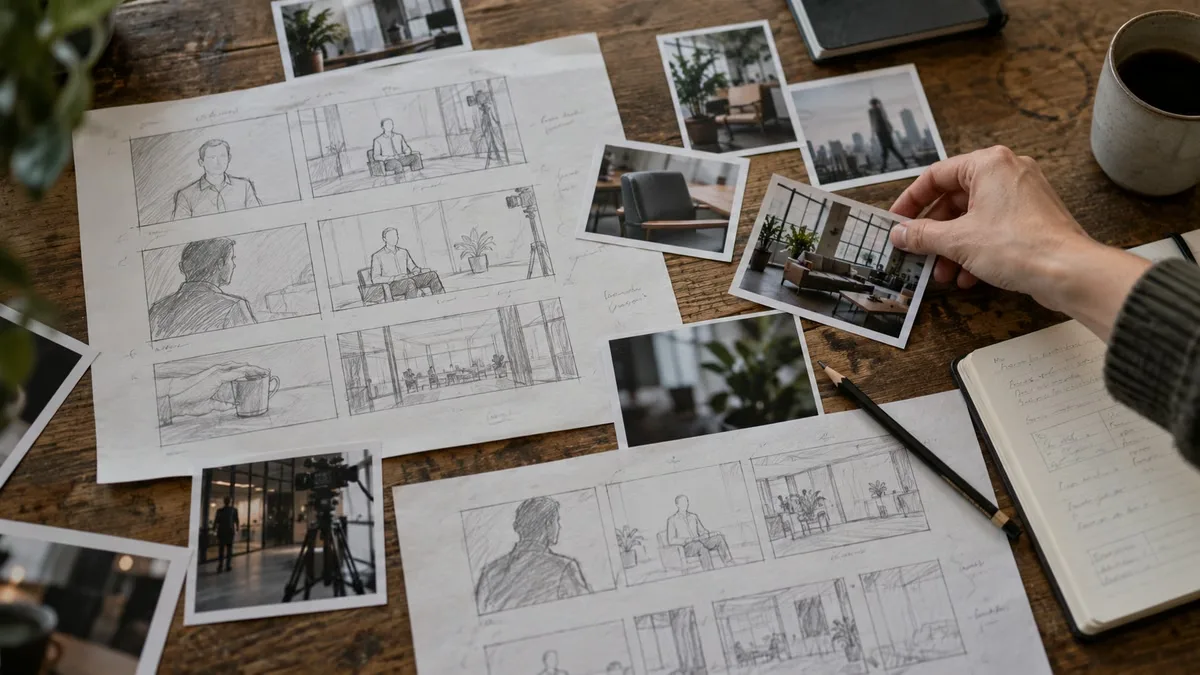
Pre-production gives everyone a shared basis for decisions. Its value comes from resolving uncertainty before people and equipment are committed to a shoot.
Define Your Goals, Audience, Message and Call to Action
Start with the change you want the video to support. That might be helping prospective customers understand a service, encouraging qualified enquiries, explaining a property’s layout or preparing customers for an appointment. Views alone may say little about whether those goals were met.
Identify the audience’s existing knowledge and main question. Then agree on one central message, the evidence that supports it and a suitable call to action. The distribution channel shapes the treatment: someone visiting a service page has different context from someone encountering a social clip.
Consider a hypothetical business commissioning a short brand film, interview material and social cutdowns from one shoot. The film might explain its approach, while each cutdown answers one customer question. Those outputs share footage, but need distinct openings and endings.
Create a Video Brief With Budget, Timeline and Deliverables
A useful creative brief explains the problem clearly enough for a production company to recommend an approach. Include:
- Purpose and audience: the intended use, central message, supporting facts and desired action.
- Budget parameters: an available range or ceiling, priorities and any costs already covered.
- Timing: launch deadline, access windows and dates when reviewers or speakers are unavailable.
- Outputs: number of videos, approximate durations, channels, aspect ratios, languages and caption needs.
- People and assets: decision-maker, reviewers, brand guidelines, existing footage, approved claims and available locations.
Separate essential outputs from optional additions. Specify whether photography, thumbnails, raw footage, project files, publishing or ongoing storage are requested. A short film and several individually structured social edits involve more work than a single export in several file sizes.
Develop the Concept, Script, Storyboard and Shot List
These planning tools answer different questions. The concept establishes the creative idea and tone. The script sets out spoken material and the intended sequence of visuals. A storyboard sketches important compositions or transitions. The shot list identifies the coverage the crew must capture.
The level of detail should fit the project. A straightforward interview may use an agreed story outline, questions and a coverage list. A choreographed product sequence may need precise boards and rehearsals. An interview outline should guide the conversation without requiring people to deliver memorized answers.
For the hypothetical brand film, approving the story and interview topics also helps identify the supporting action needed for the cutdowns. References are useful when you explain what you like about their pacing, tone or framing.
Organize Crew, Talent, Locations, Equipment and Permissions
The producer translates the creative plan into practical arrangements: crew roles, speakers or performers, location access, equipment, transport and a workable schedule. A location check should consider background noise, light, power, parking, loading access and disruption to normal business.
The client often coordinates staff availability, property access and accurate information about the location. Confirm who obtains appearance releases, location permissions and any required permits. Requirements vary with the site and activity; an office interview and a public-space production need different preparation.
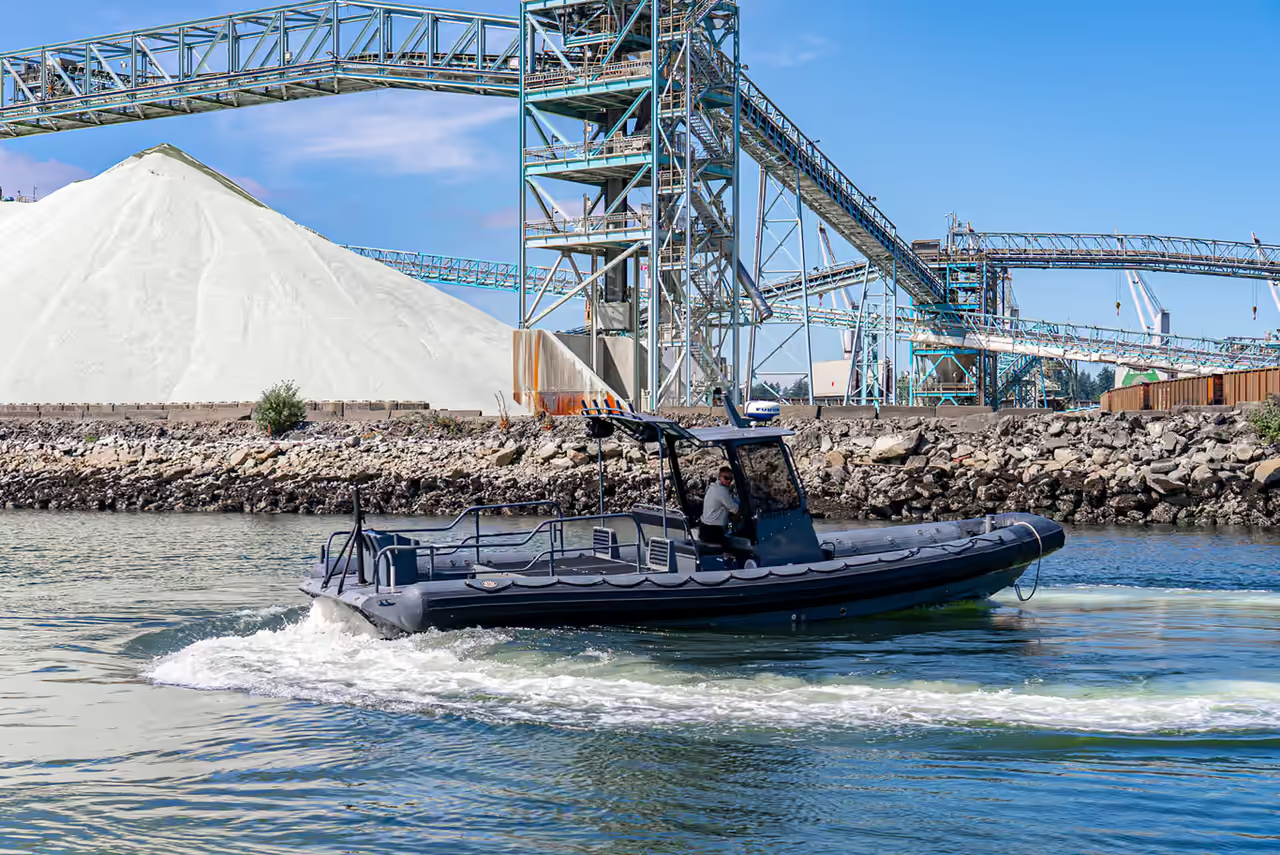
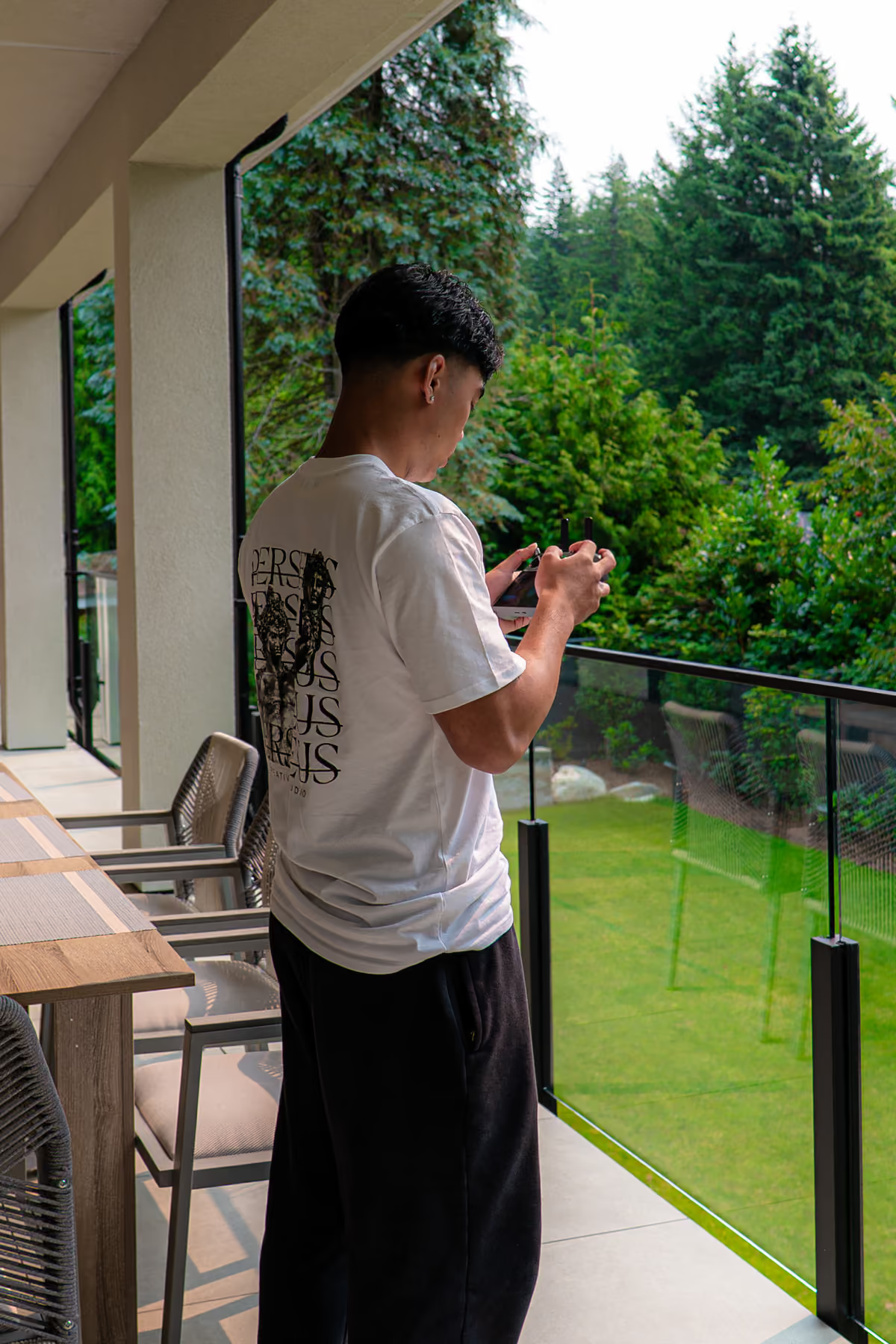
Specialist work needs separate consideration. Aerial filming, complex rigging, stunts or active industrial sites may require qualified specialists, additional permissions or specific safety arrangements. Include those needs in the scope early.
Approve the Creative Plan and Finalize the Call Sheet
Before filming, approve the concept, script or interview outline, essential shots, output list and budget. Resolve factual claims with the people authorized to approve them. Record changes in a shared version so the crew and client work from the same plan.
The call sheet explains who attends, where to go, when each person is needed and what the shoot requires. It may include arrival instructions, scene order, wardrobe guidance and safety information. Confirm arrangements with participants and share private contact details only with those who need them.
Creative approval establishes direction; the call sheet makes that direction executable. Neither replaces confirmed access or an agreed contingency for weather-dependent filming.
Production: Turn the Plan Into Footage
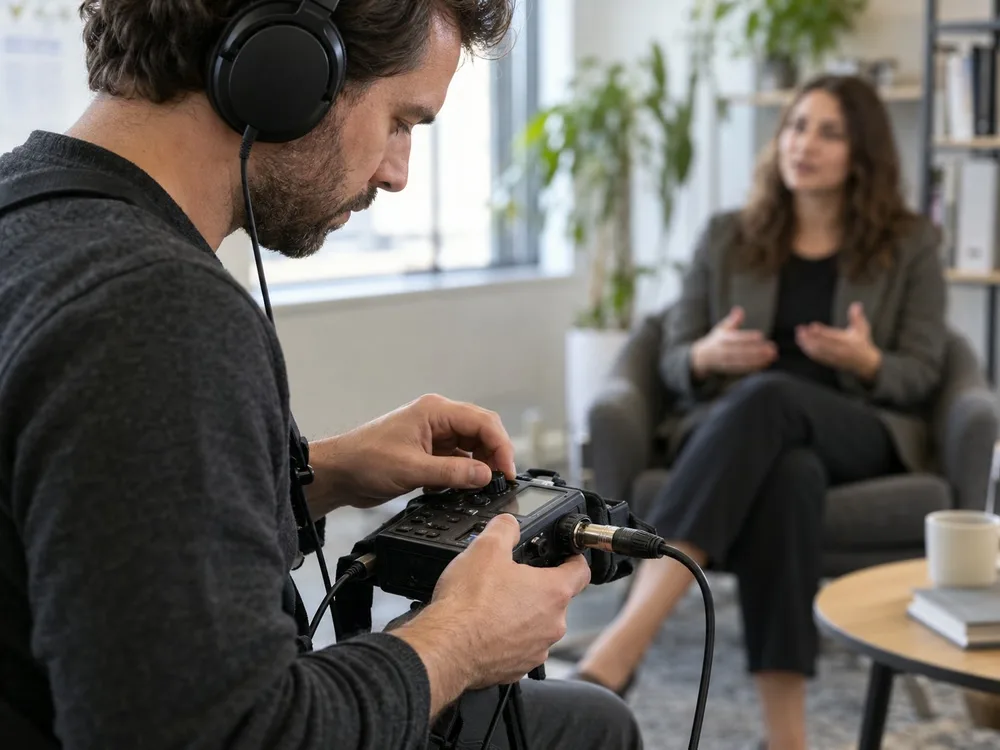
Production combines technical preparation, direction and coverage. Keep an authorized client contact available to resolve questions without creating competing instructions for the crew.
Set Up Cameras, Lighting and Sound
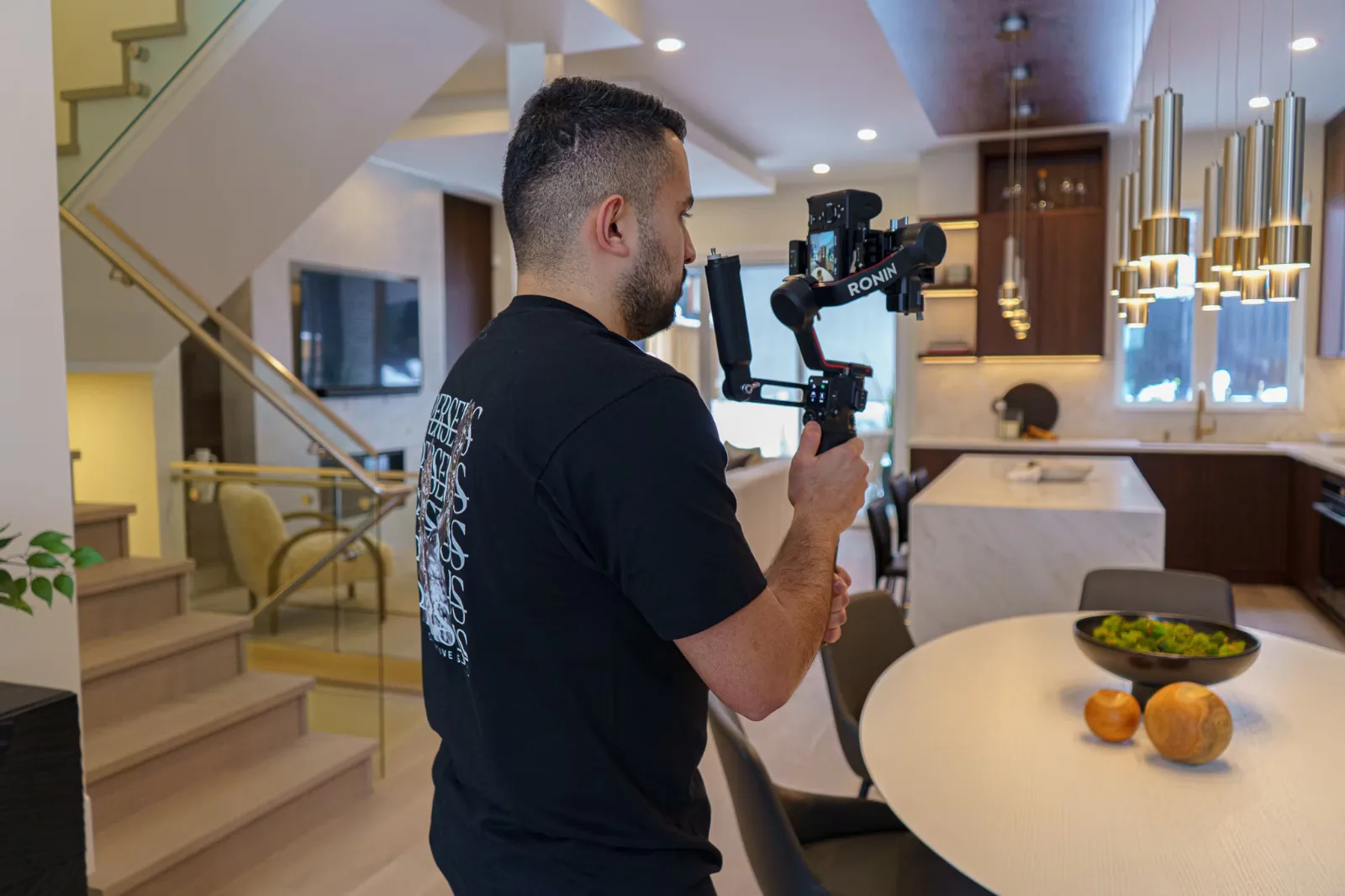
Setup is coordinated. Camera position establishes framing and perspective; exposure and lighting control the subject and background; microphone placement and monitoring determine whether speech is usable. Reflections, changing daylight, room echo and nearby equipment can affect several departments at once.
Allow setup time before speakers are needed. The crew should test a recording and listen through headphones, rather than rely only on a visible audio meter. Moving an interview away from a noisy ventilation outlet can be more effective than attempting to remove that noise later.
Direct Interviews, Performances and B-Roll
A director helps interviewees give clear, specific answers and maintains a consistent eyeline. They may ask for an answer again with more context or a shorter explanation. Performance direction also covers movement, timing and interaction with products or other people.
Continuity keeps details consistent between takes: hand positions, clothing, props and the direction of movement. The client can help catch incorrect terminology or an inaccurate demonstration while it is still practical to record a correction.
B-roll is purposeful supporting footage. Wider views establish the setting; closer action and detail shots explain what the speaker describes and give the editor options around cuts. Clean dialogue and sufficient coverage solve different problems: pictures cannot restore an unintelligible answer, and a strong answer may still need visual explanation.
Capture Footage for Multiple Formats and Back Up Your Files
Plan important compositions for their intended aspect ratios. Leave appropriate room for captions, titles and platform controls, and record alternate framing when a crop would remove people or essential action. Horizontal recording does not automatically produce an effective vertical edit.
A crop changes the visible frame. A considered version may also change the opening, shot order, text layout, pacing and call to action. The hypothetical business’s interview cutdowns need both suitable framing and answers that make sense independently.
Assign responsibility for media management. Before recording cards are cleared, create backups and verify transfers, using integrity checks and playback checks as appropriate. Keep copies separated against relevant failure risks. No single drive, cloud service or copying method guarantees protection.
Post-Production: Shape the Story and Refine the Details
Post-production turns recorded material into an intentional sequence. Review checkpoints help resolve the story before detailed finishing, while allowing technical work to overlap where practical.
Organize Footage and Build the Rough Cut
The editor ingests and organizes camera files, audio and supplied assets, synchronizing separately recorded sound where needed. They review takes, identify selects and build an assembly around the message.
The rough cut tests structure, clarity and pace. It may contain temporary music, placeholder graphics or unfinished colour. Ask what is provisional before reviewing, then assess whether the story is accurate, understandable and relevant to the audience.
Perseus’s post-production service Vancouver describes editing, colour, sound and finishing, including work with client-supplied footage. For any engagement, agree which materials and finishing tasks belong in the quote.
Manage Client Feedback, Revisions and Picture Lock
Collect stakeholder comments internally and have one accountable client contact submit consolidated, timecoded feedback against the correct version. Explain the problem and desired result: “At 00:24, use the approved service name” is clearer than “This section feels wrong.”
Agree on review deadlines, included revision scope and how new requests will be estimated. Distinguish corrections to the agreed brief from a new direction, additional deliverable or replacement material. No universal revision allowance applies.
Picture lock approves the visual sequence and timing for finishing. Later changes remain possible, but can require colour, graphics, captions and sound to be revised. Picture lock does not establish usage rights or accept the final delivery files; those are separate decisions.
Complete Colour Correction, Grading, Sound Design and Music Licensing
Colour correction balances exposure, white balance and consistency between shots. Colour grading develops the intended visual character. The treatment should support the story while keeping people, products and spaces appropriately represented.
Dialogue cleanup addresses distracting noise and uneven speech where possible. Sound design adds or shapes ambience and effects; the sound mix balances dialogue, music and other elements. Processing has limits, especially when speech was obscured during recording.
Approve music with the intended use in mind. Confirm coverage for the client, channels, paid advertising, territory, duration and any registration or attribution conditions that apply. “Royalty-free” describes a licensing arrangement; it does not mean automatically free or unrestricted. Retain the applicable licence records and confirm new uses before repurposing the track.
Add Motion Graphics, Captions and Final Quality Checks
Motion graphics can identify speakers, explain a sequence or emphasize a useful fact. Supply approved logos, names, titles, fonts and wording early. Graphics need enough screen time to read and layouts that work in each version.
Check captions against the audio for names, technical terms, punctuation and timing, including meaningful non-speech sounds where relevant. Burned-in captions remain visible in the picture; separate caption files allow supported players to display a selectable track. Agree whether you need one, the other or both.
The final review should cover spelling, factual accuracy, brand assets, audio intelligibility, colour, framing and the complete ending. Watch exported files too: a correct editing timeline does not by itself verify the delivered video.
Delivery and Distribution: Prepare Your Video for Every Platform
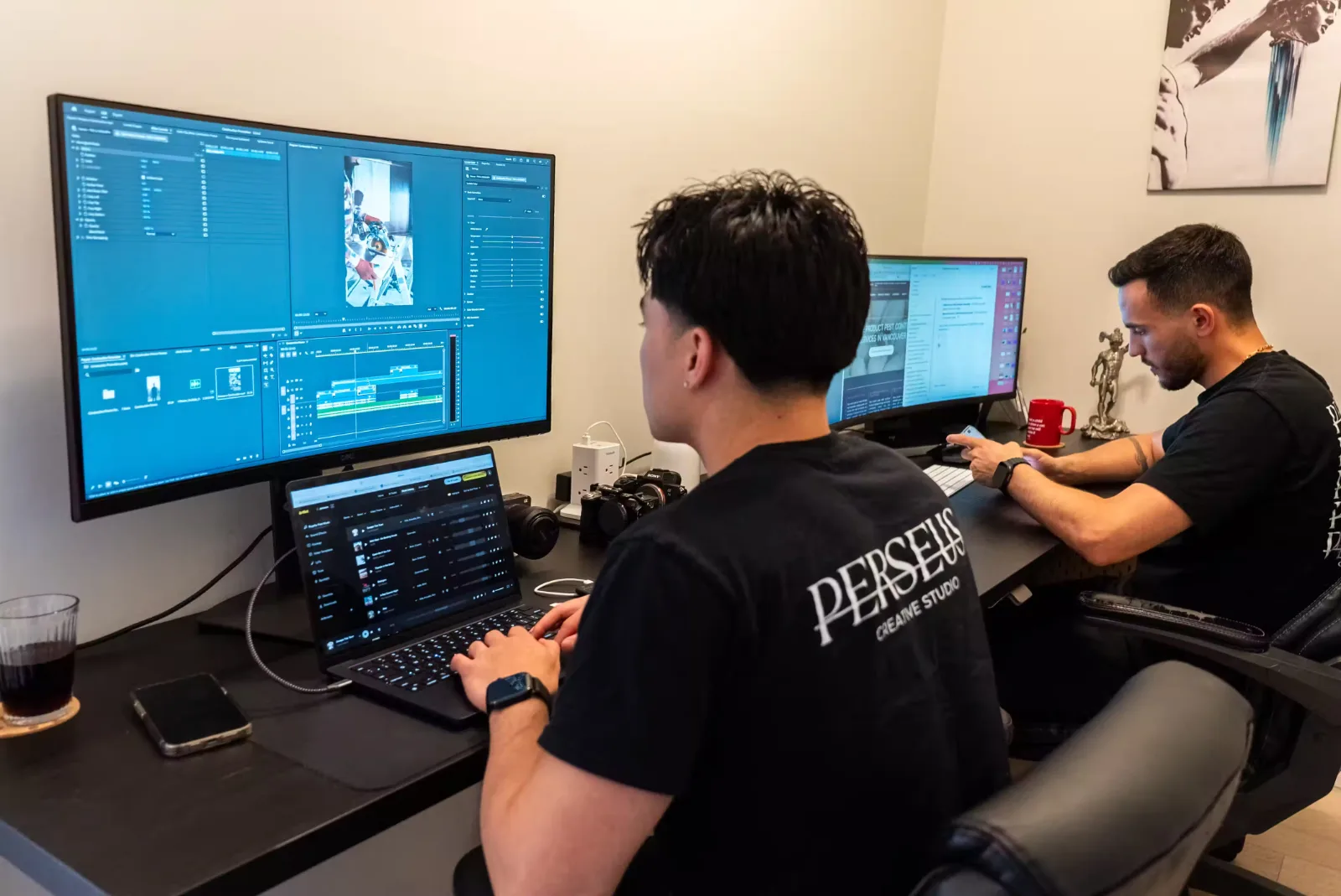
A delivery list connects every approved video to its destination. Agree who checks the handoff and who handles publication.
Export Master Files, Vertical Videos and Social Cutdowns
The package may include a high-quality master, compressed viewing or upload copies, alternate aspect ratios, shorter edits, thumbnails and caption files. Specify what “master” means in the agreement; it is a finished export, distinct from the editable project and original recordings.
Confirm resolution, encoding, aspect ratio, duration and audio requirements for each destination. There is no universal specification for websites, social advertising, presentations and broadcast. Check the receiving platform’s current requirements before final export.
Use clear filenames and a delivery inventory. Verify that files download, play fully and match the agreed versions. Record final acceptance separately from the earlier creative approvals.
Publish Your Video and Measure Results Against Your Goals
Publishing includes placement, titles, descriptions, thumbnails, captions and a working next step. Assign these tasks, along with any promotion and analytics setup; they are not automatically included in production.
Match measurement to the brief. Reach and impressions describe awareness opportunities. Watch time, completion and retention describe viewing behaviour. Shares, saves and comments indicate engagement. Qualified enquiries, bookings or other tracked actions speak to conversion outcomes.
Interpret results with audience targeting, placement and campaign context. Production alone cannot guarantee performance, and a recorded conversion does not establish how much credit belongs to the video.
How Long Does Video Production Take?
Separate active working time from elapsed calendar time. A project can involve a limited amount of filming but extend across a longer period because access, approvals and specialist work must line up.
Ask for a milestone schedule covering brief approval, creative approval, filming, first cut, feedback, picture lock and final delivery. Work backwards from the launch date and allow time to upload, check and place the files.
Talent availability, stakeholder review, location access, weather, animation complexity and revision rounds all affect the schedule. A delayed script approval may also lose a planned filming date. If the deadline is fixed, discuss which outputs or creative elements can be simplified and what must be decided first. Request a project-specific estimate rather than assuming a shoot date determines the delivery date.
What Determines the Cost of a Video Project?
Cost follows the work and rights required. Main drivers include creative planning, crew, shoot days, locations, talent usage, equipment, travel, animation, editing, colour, sound, music licensing and versioning.
Compare proposals by scope, rather than finished runtime alone. Two videos of equal length can require very different amounts of preparation and filming. Additional deliverables may need separate story decisions, graphics, captions, exports and quality checks even when they share footage.
Late changes can reopen completed work or require another recording session. Ask how additions are approved and priced before they begin.
For a meaningful quote, provide the brief, budget parameters, locations, deadline, available assets, distribution plans and output list. Ask the production company to identify assumptions, exclusions and optional items so you can make informed trade-offs.
Who Does What? Production Team Roles and Client Responsibilities
The producer or project lead coordinates scope, budget, scheduling and communication. The director shapes the creative execution and performances. The camera team handles image capture and works with lighting specialists; sound personnel record and monitor audio. The editor builds the sequence, with colourists, motion designers and sound specialists contributing where needed. Smaller teams may combine several roles.
On the client side, nominate a decision-maker with authority to approve the work. Provide accurate information, usable brand assets, access and available speakers. Bring relevant subject experts into the appropriate review, then resolve conflicting comments before returning feedback.
Clarify who can approve extra costs or schedule changes. A person attending the shoot may be able to verify facts without having authority to change the creative direction. Clear responsibilities keep questions moving to the right person.
How the Workflow Changes for Brand Films, Real Estate Videos and Social Content
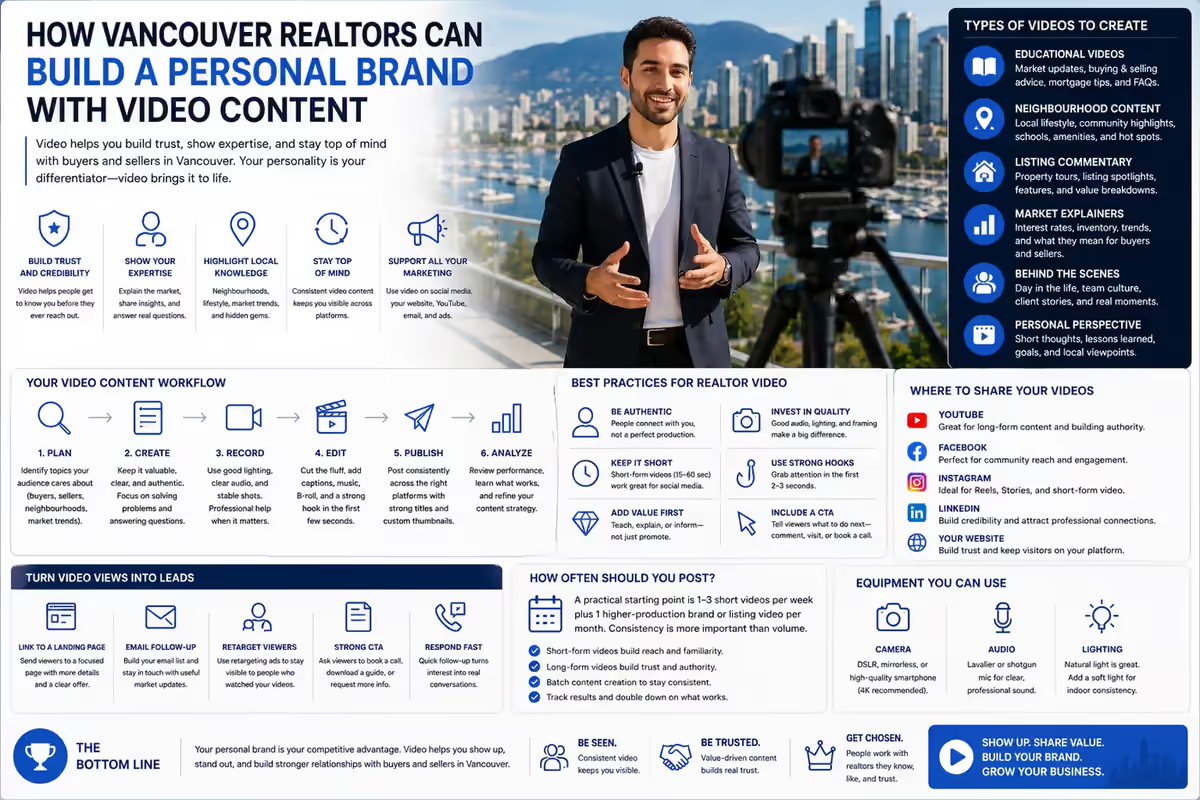
Brand films put emphasis on positioning, credible evidence and a cohesive story. Interviews may guide the edit, so planning needs both suitable speakers and visual coverage. Perseus’s article on building a Realtor’s personal brand with video explores one application of that thinking.
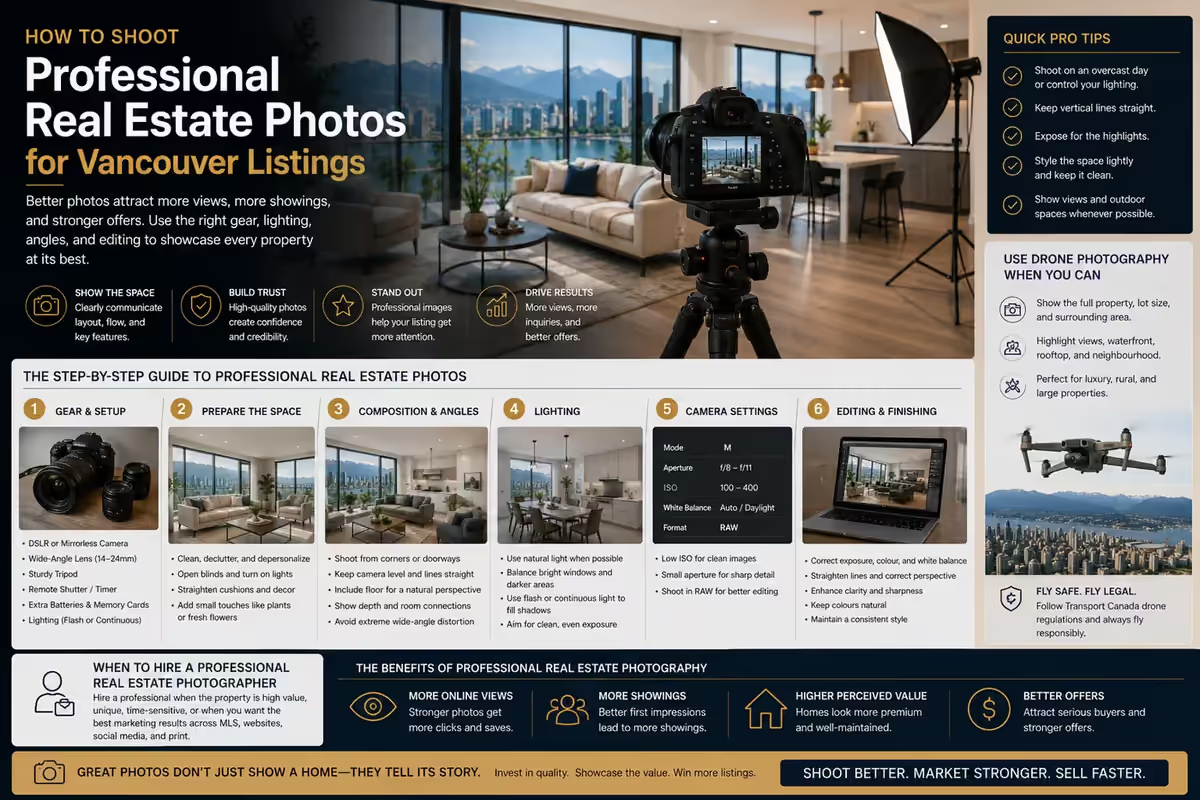
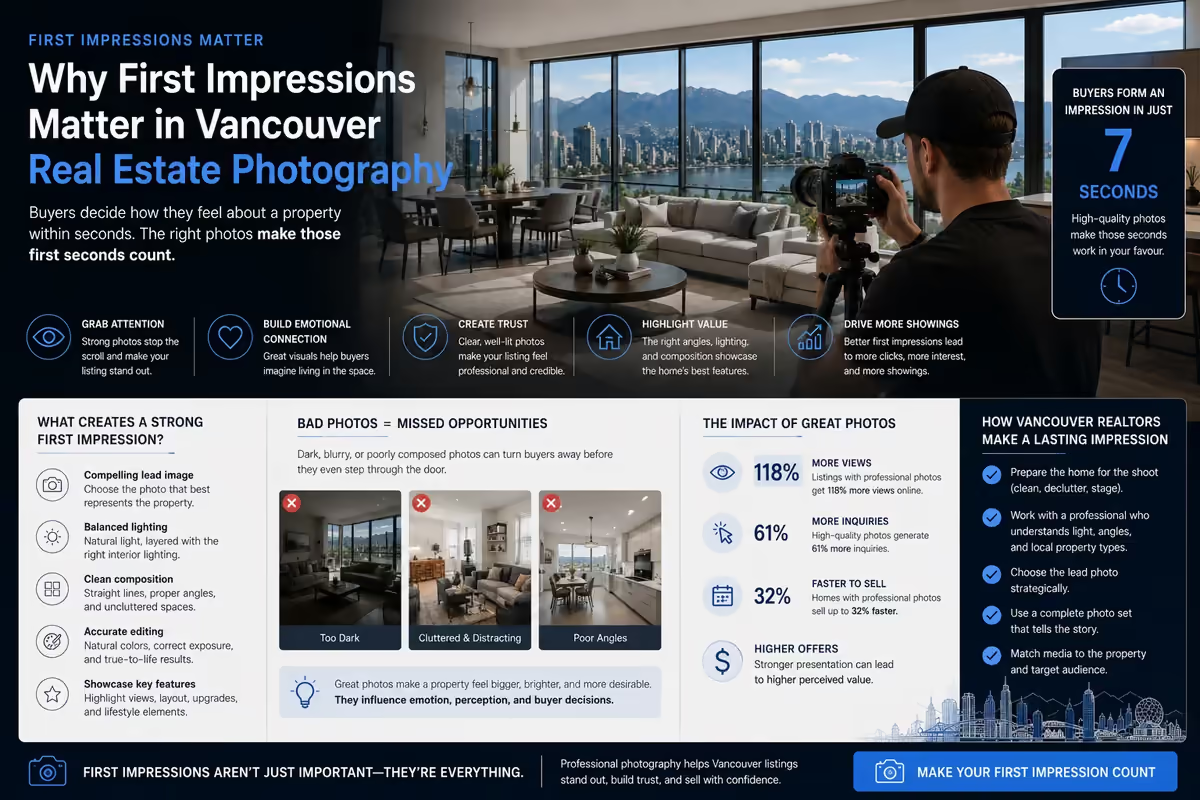
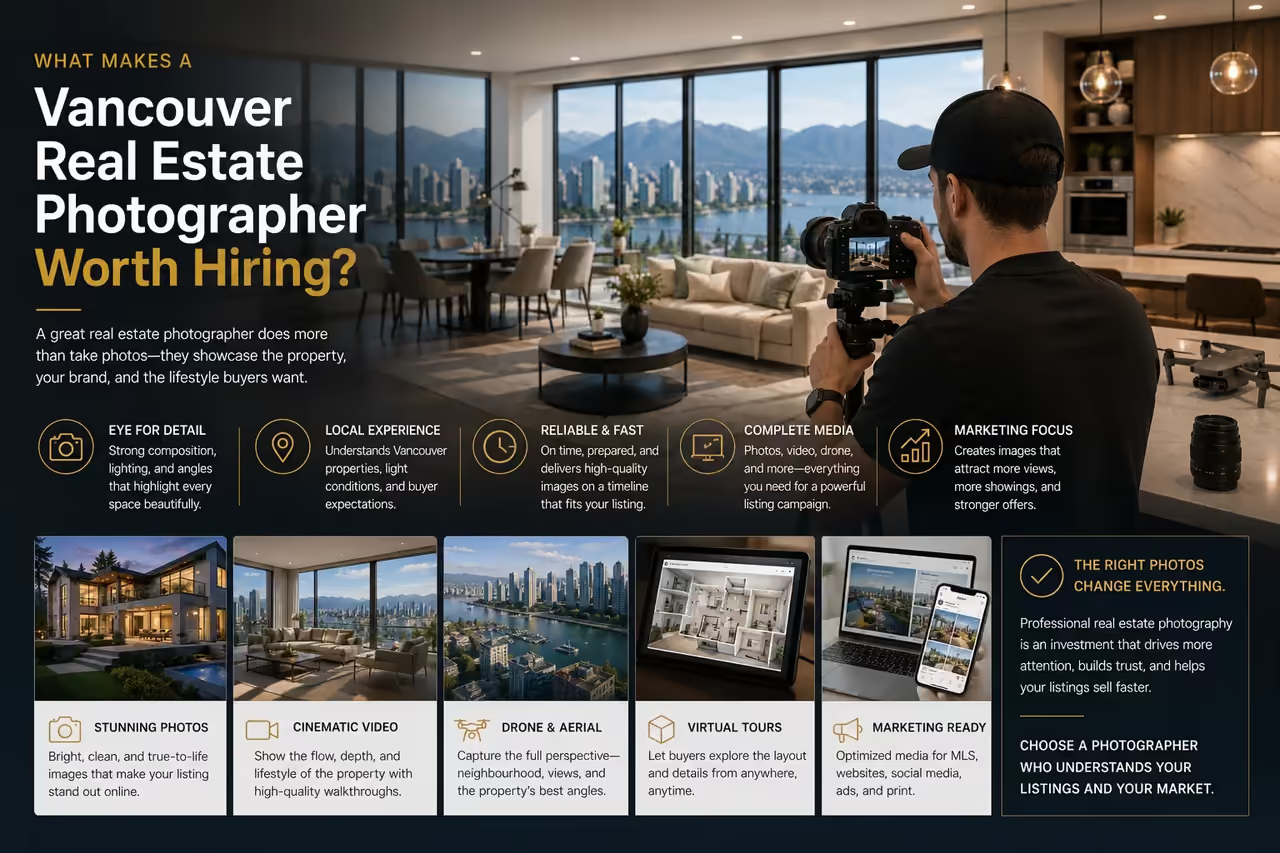
Real estate videos depend on property readiness, access, light and an accurate sense of space. Plan room-to-room coverage and important features, with delivery aligned to the listing launch. Aerial footage is an option when useful and feasible, rather than a requirement for every property.
Social content often needs a repeatable recording plan, clear individual topics and a regular review and delivery cadence. Each edit needs to stand on its own. The studio’s Instagram Reels guide for Vancouver Realtors offers topic-planning context. A trend is useful only when it serves the audience and message.
Common Production Mistakes That Cause Delays, Reshoots and Extra Costs
- Unclear objectives: reviewers judge different outcomes. Agree on the message and success criteria first.
- Missing approvals: an unavailable stakeholder can reopen the story. Identify approvers and reserve review dates.
- Weak audio planning: a noisy location can compromise an interview. Check conditions before filming.
- Insufficient coverage: missing action or alternate framing restricts the edit. Plan coverage against actual outputs.
- Conflicting feedback: separate instructions create repeated work. Return one resolved set of notes.
- Unresolved rights: unsuitable music or unclear footage permissions can block use. Verify them before committing to assets.
- Vague deliverables: unexpected versions add work. Agree on the delivery inventory before capture.
Video Production Checklist: Key Deliverables and Approvals at Each Stage
Use this as a starting checklist and adapt responsibilities to your agreement.
| Stage | Key deliverable | Approval required | Responsible party |
|---|---|---|---|
| Brief and scope | Brief, quote and output list | Goals, budget, rights needs and schedule | Client supplies priorities; producer scopes work; client approves |
| Creative planning | Concept, script or outline, coverage plan | Message, claims and creative direction | Creative team develops; client decision-maker approves |
| Shoot readiness | Call sheet, access and permissions | Participants, logistics and readiness confirmed | Producer coordinates; client confirms access and staff |
| Production | Recorded footage and verified backups | Essential coverage and transfer checks completed | Director and crew; assigned media lead verifies copies |
| Edit review | Reviewed cut and consolidated notes | Structure, factual accuracy and picture lock | Editor revises; client contact consolidates approval |
| Finishing | Colour, mix, graphics, captions and rights records | Creative finish, text accuracy and intended-use coverage | Post team and producer; client confirms use and details |
| Delivery and launch | Final files and delivery inventory | Playback, completeness, acceptance and publishing readiness | Production team checks exports; client accepts; agreed publisher launches |
Conclusion
A useful video production process makes decisions visible: what you are making, what each stage needs and who approves the result. A clear brief, prepared shoot and focused review process help the finished work serve its intended purpose.
To plan your next project, discuss your goals, scope and intended deliverables with Perseus Creative Studio.