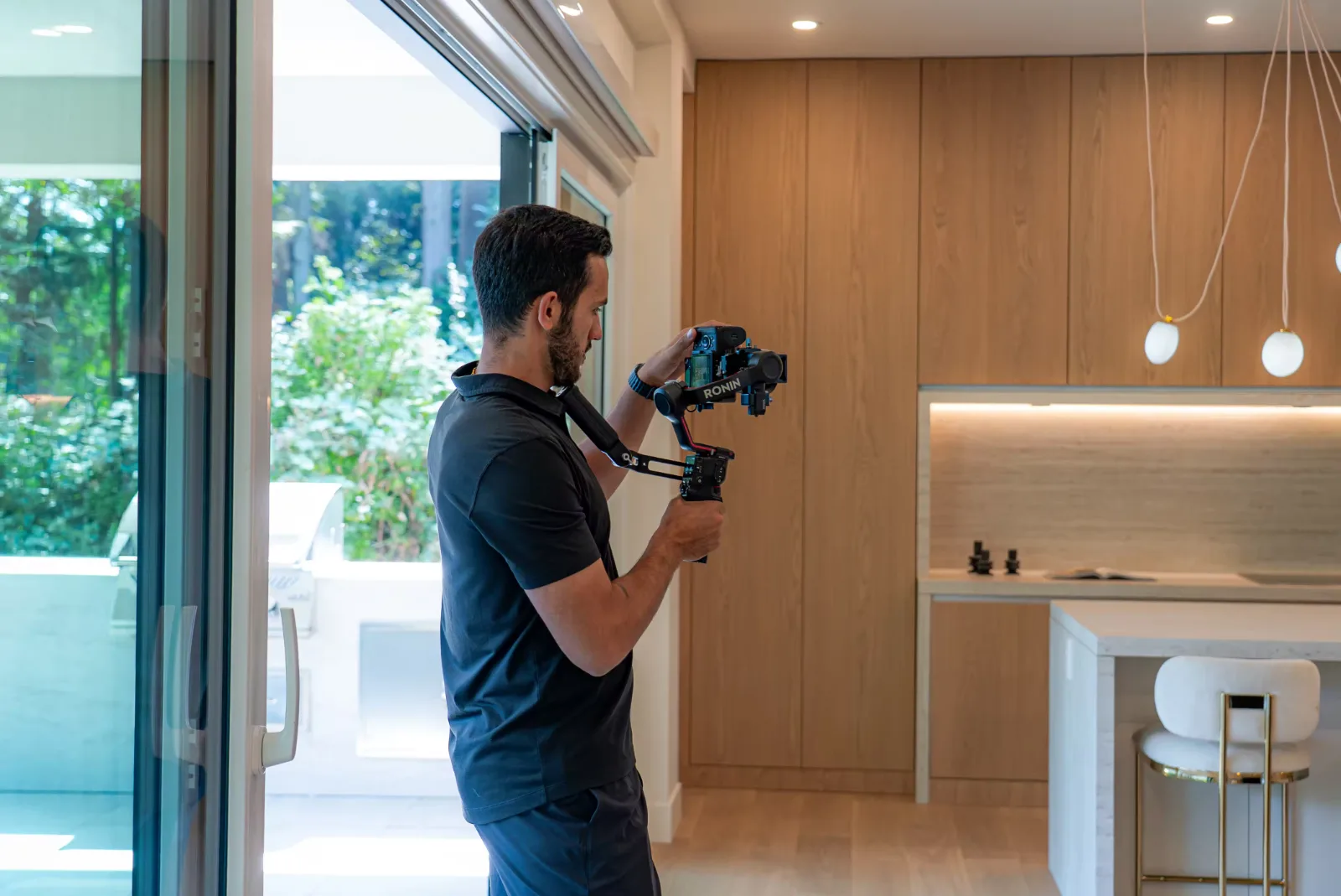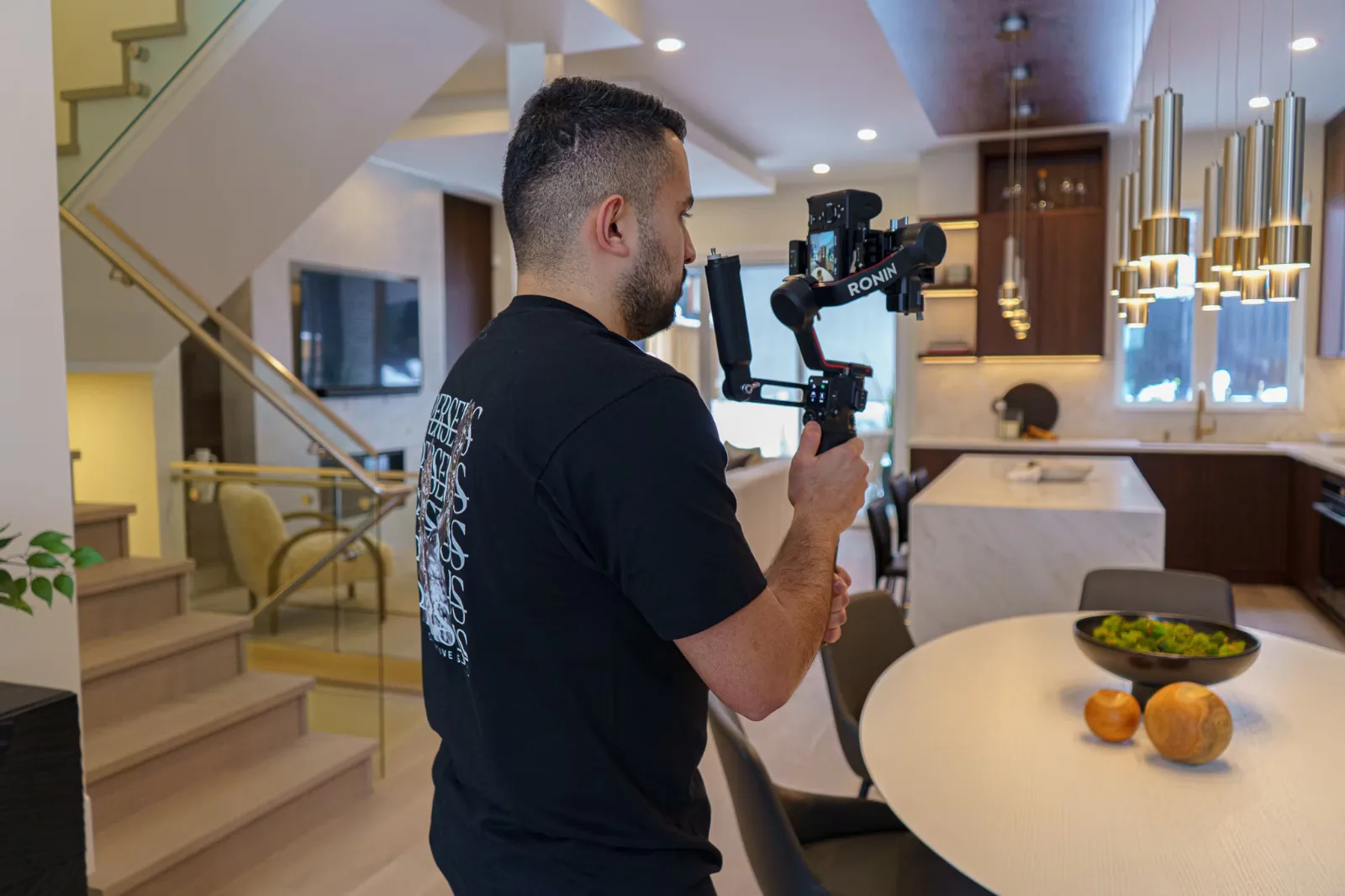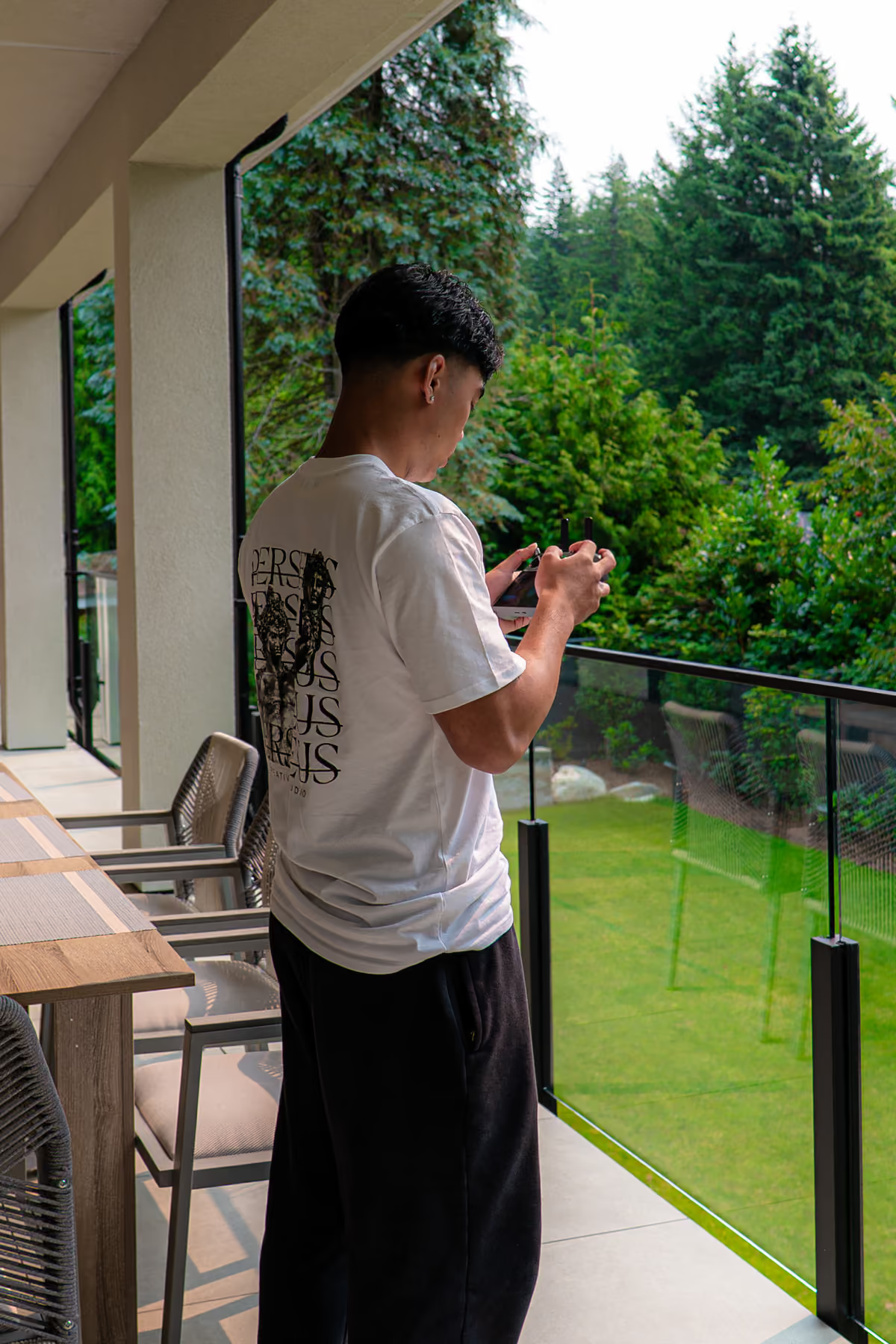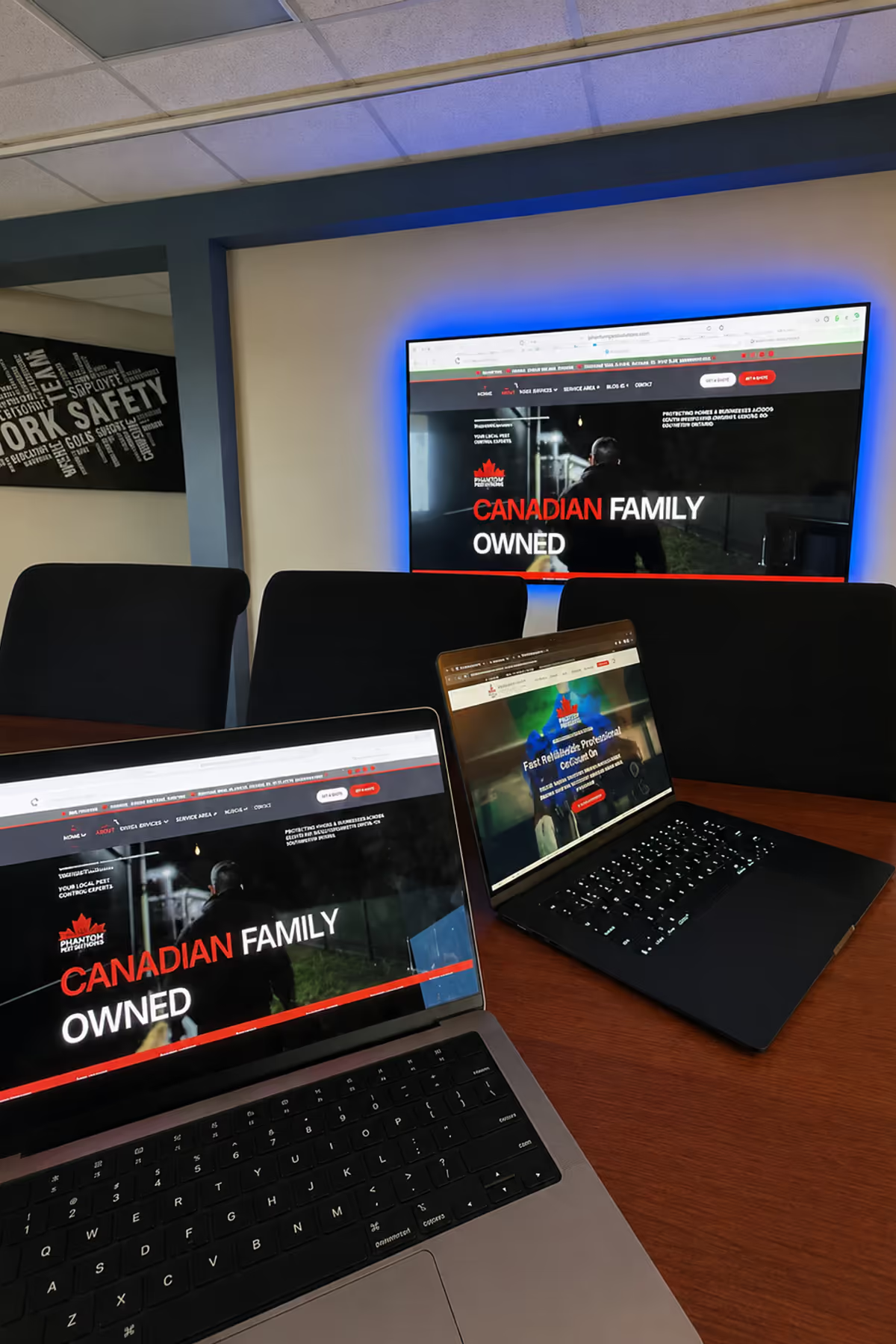
Corporate videos serve different jobs: explaining a company or product, helping customers assess an offer, recruiting employees, training teams, and updating stakeholders. The right choice depends on who will watch and what you want them to understand, believe, or do next.
Perseus Creative Studio’s videography services in Vancouver cover brand films, commercials, and event coverage. Before planning corporate video production, use this guide to compare twelve practical video types, understand where they overlap, and choose an approach suited to your business need.
What Is a Corporate Video?
One production can serve several purposes. A customer interview might contribute to both a testimonial and a case study, but those finished videos may need different structures. If your project also needs still images, you can plan Photography in Vancouver alongside filming. The categories below are useful planning tools, not an official, exhaustive, or mutually exclusive classification.
12 Corporate Video Types, Their Uses, and Examples
The examples in this section are hypothetical briefs, not descriptions of actual projects or claimed client results.
1. Company Overview and Brand Story Videos

A company overview answers basic orientation questions: who you are, what you do, and whom you serve. It suits an About page, an introductory sales presentation, or a business entering an unfamiliar market.
A hypothetical engineering firm might introduce its customers, show its team developing a solution, and explain how an engagement begins. A brand story could instead explore why the founders chose a particular problem or how a value shapes everyday decisions.
These approaches can share footage, but their emphasis differs. Neither needs to list every service or department. If viewers already understand the company and need to assess one specific capability, a focused demonstration may be more useful.
2. Product and Service Demo Videos
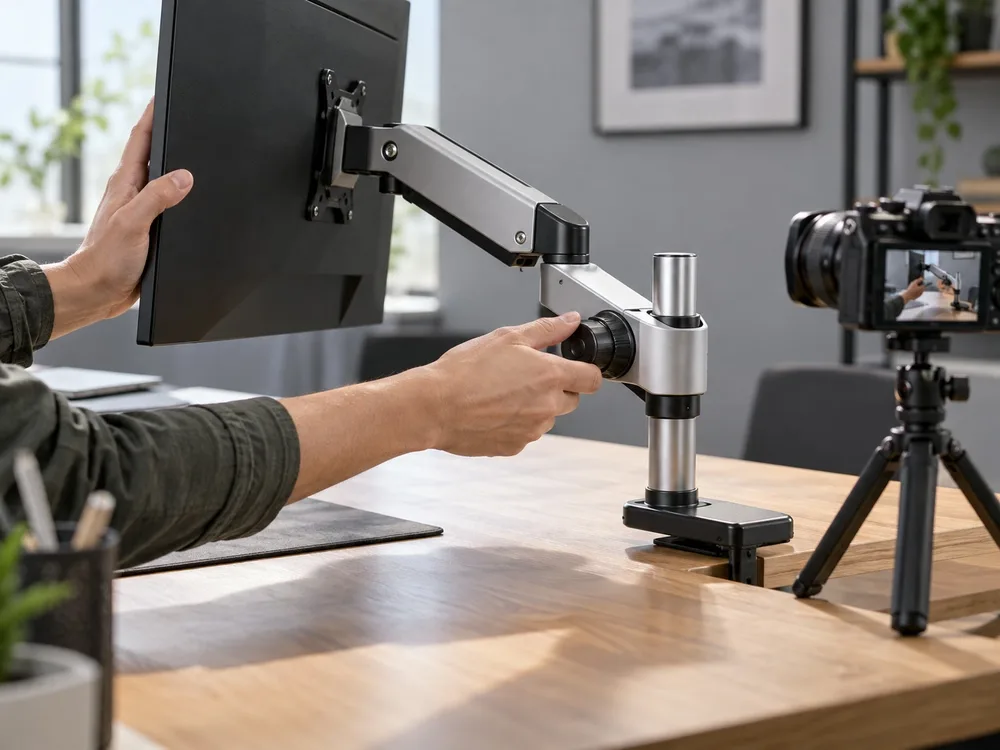
A product demonstration shows actual operation. A service demo makes an experience or workflow visible, helping buyers assess what will happen before they commit.
For example, a hypothetical scheduling-software demo could follow a manager creating an appointment, assigning a colleague, and resolving a booking conflict. Show the real interface and relevant steps, using sample data. A service walkthrough might follow a customer from arrival through consultation and handover.
The distinction is proof of functionality. Attractive product shots and music may introduce an offer, but they do not demonstrate how it works. Keep the scenario narrow enough to follow, and plan updates when the interface or service process changes.
3. Explainer Videos
An explainer helps viewers understand a concept, problem, process, or solution. It is useful when the audience needs a mental model before operational detail will make sense. Imagine a logistics provider explaining how several retailers can share warehouse capacity. Simple diagrams could trace inventory between participants while a presenter explains responsibilities.
Animation, live action, or a hybrid could all serve that brief.
A demo would show someone completing a real task in the provider’s system. The explainer establishes how the arrangement works more broadly. If a clear diagram and short paragraph already answer the question, producing a separate video may add little.
4. Customer Testimonial Videos
A customer testimonial centres an identifiable customer’s genuine experience, recorded and used with permission. Its value comes from relevant detail: the customer’s situation, what they needed, and what working with the business involved.
A hypothetical brief could invite a facilities manager to describe why they selected a maintenance provider and how communication worked during a difficult repair. Questions should draw out specific recollections, including qualifications or limits that matter to another buyer.
Prepare topics without scripting invented praise. Confirm names, roles, factual claims, and approved uses before release. One customer’s account illustrates their experience; it does not establish a result every future customer should expect.
5. Case Study and Project Showcase Videos
A case study explains a problem, the approach taken, and a supported outcome. A project showcase concentrates on completed work: its appearance, features, or craftsmanship. Both help prospects evaluate suitability, but they offer different evidence.
Consider a hypothetical office renovation. A showcase might tour the finished rooms and highlight joinery details. A case study would also explain the original circulation problem, the design response, and what the client can verify about the finished space.
Perseus Creative Studio’s production portfolio provides documented project descriptions to explore. When planning your own film, use only outcomes you can substantiate. Completed-work footage does not justify inventing revenue, productivity, or satisfaction improvements.
6. Recruitment and Company Culture Videos
Recruitment video helps candidates assess a role and workplace before applying. Company culture footage supports that decision when it shows how people actually collaborate, receive feedback, or manage responsibilities.
A hypothetical manufacturer recruiting technicians might follow a representative shift: a team briefing, supervised equipment checks, and an employee explaining the learning process. Be specific about the working environment, location, schedule, and expectations relevant to that role.
A celebration montage cannot answer those questions on its own. Include employee perspectives voluntarily and represent ordinary conditions fairly. Unsupported “best workplace” claims or footage that conceals important working realities can create expectations the role will not meet.
7. Employee Training and Onboarding Videos

Employee onboarding introduces the organization, its people, and essential first steps. Role-specific training teaches a defined task or learning objective. Separating them makes both easier to navigate and maintain.
For a hypothetical office team, orientation might explain where to find support, while a separate module demonstrates adjusting a workstation. Show the action clearly, provide accurate captions, and let employees revisit the relevant step.
Short modules are useful when tasks change independently; replacing one procedure should not require rebuilding an entire presentation. Assign an owner to review accuracy. For tasks requiring supervised practice or competency assessment, a video supports instruction but does not establish that someone can perform the work.
8. Internal Communications and Leadership Videos
Internal communications videos explain changes, priorities, and decisions to employees. Leadership messages can add context when people need to understand why something is happening and what it means for their work. A hypothetical multi-location business might record an operations leader explaining a new ordering process, its start date, and the support available. Versions for different teams could remove details that do not apply to them.
Use controlled distribution when the content is intended for staff, and identify the next step clearly. Provide a written reference and a route for questions. A recorded announcement cannot replace dialogue when employees need to discuss individual concerns or unresolved consequences.
9. Corporate Event and Conference Videos
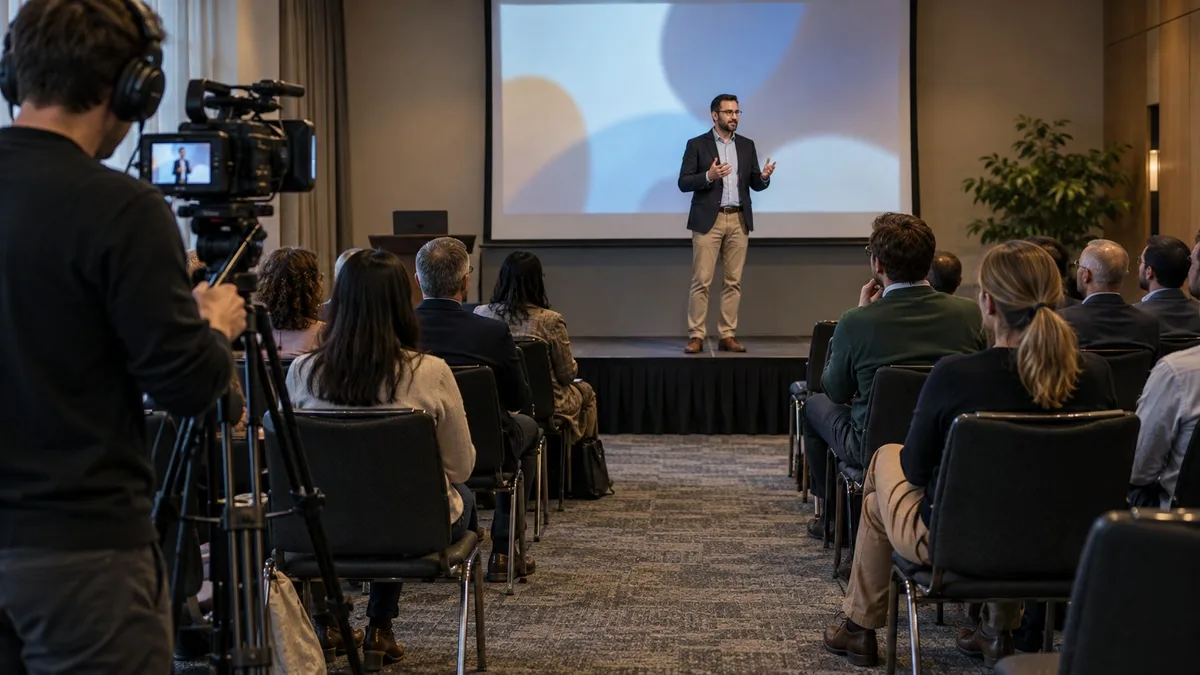
Event promotion encourages attendance. Session recordings preserve presentations. Highlights capture selected moments, while a post-event recap explains what happened and why it mattered. Decide which outputs you need before booking coverage.
A hypothetical industry conference might require a keynote recording for registered delegates and a separate recap for next year’s prospects. The recording needs continuous coverage, intelligible speech, and usable presentation material. The recap needs audience reactions, interviews, and footage connecting the event’s activities.
Those requirements change camera positions, audio arrangements, crew roles, and permissions. A collection of attractive highlights may be insufficient to reconstruct a full session afterwards. Prioritize the deliverable that cannot be recreated once the event ends.
10. Promotional and Campaign Videos
A promotional video connects a focused message to an offer, launch, or action. Unlike an evergreen company overview, it may have a defined campaign period, audience segment, and destination. A hypothetical workspace provider launching a new location could show its meeting rooms, explain an introductory offer, and direct viewers to book a tour.
A website version might include more context than a paid social edit reaching people unfamiliar with the provider.
Plan openings, framing, captions, and calls to action for each placement. An identical edit will not necessarily suit every channel. Keep an expiry and replacement plan for offers, dates, or availability so an old campaign does not mislead viewers.
11. Thought Leadership and Educational Videos
Thought leadership presents a substantiated viewpoint on a question the audience cares about. Educational video teaches something useful. The formats overlap when expertise helps viewers understand a decision and evaluate the reasoning behind it.
A hypothetical building consultant might explain how to compare two retrofit approaches, identify the assumptions behind each option, and show where project conditions change the recommendation. Diagrams or annotated footage could make the tradeoffs visible.
Distinguish evidence from professional judgement and explain uncertainty. Generic opinions with an impressive backdrop offer little substance. If the video mainly promotes a service without answering the stated question, describe and distribute it as promotional content.
12. Investor and Stakeholder Update Videos
These videos communicate progress, strategy, milestones, or organizational developments. Investors may need financial and strategic context, while community partners, members, or customers may have different questions about the same development.
A hypothetical organization opening a new facility could explain completed milestones, remaining work, and the implications for each audience. Use approved figures, dated information, and visuals that accurately represent the current stage.
Build appropriate factual and disclosure review into production. Distinguish completed achievements from forecasts or intentions, and make supporting information easy to find. Video can explain an update, but it does not replace any required formal disclosure. Separate versions may be necessary when audiences have different information needs or access permissions.
How to Choose the Right Corporate Video for Your Business
Match the Video Type to Your Audience and Business Goal
Write one sentence before choosing a format: “After watching, this audience should be able to…” Make the answer observable. Candidates might assess workplace fit; buyers might evaluate functionality; employees might complete a process correctly.
| Audience question | Useful starting point | Evidence to include |
|---|---|---|
| Would this role suit me? | Recruitment video | Representative work and employee perspectives |
| Can this solve my practical problem? | Product or service demo | A relevant task completed visibly |
| How do I do this correctly? | Training module | Clear steps and a way to check understanding |
If the brief contains several unrelated audiences or actions, prioritize one or plan separate assets. Sometimes an updated help page, diagram, or direct conversation will answer the need more efficiently than video.
Plan for Distribution, Budget, and Production Requirements
Placement changes what viewers already know. A service-page visitor may want detail; an email recipient needs a clear reason to follow the video link. Paid campaigns and social feeds need an opening that establishes relevance quickly. Internal platforms may require access controls and searchable modules. Live presentations need readable visuals at room scale and dependable playback.
Define contributors, locations, permissions, sound, captions, languages, versions, and approvals before requesting proposals. Include future updates: changing a software screen, staff title, or offer affects the video’s useful life. Budget follows scope, including planning and editing, rather than duration alone.
Use the video production process guide to work through responsibilities and delivery decisions. Agree on essential outputs first, then assess optional additions against the goal.
Choose Live Action, Animation, or a Hybrid Style
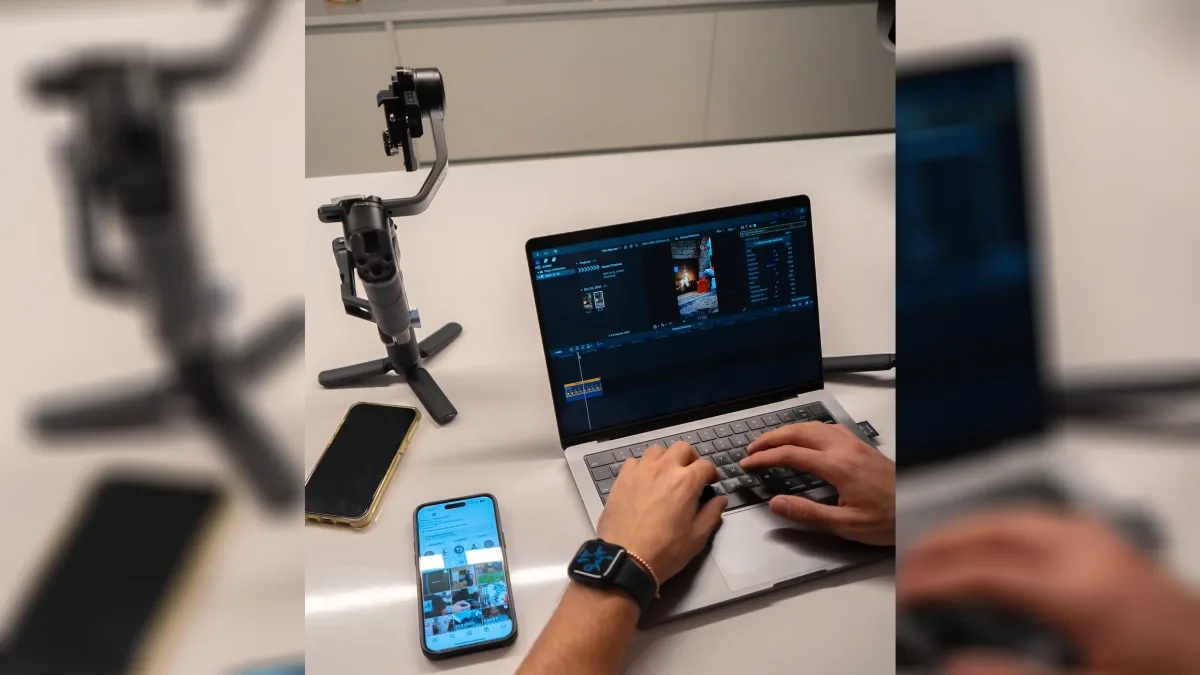
Live action can show identifiable people, physical products, and real environments. Animation can clarify relationships or processes that are difficult to film. A hybrid might combine an employee demonstration with graphics identifying each step.
Choose according to what must be shown, available assets, clarity, credibility, and update needs. Neither style is inherently cheaper or more effective. A simple screen recording may answer a software question; a complex animated sequence may require substantial development.
Plan your post production in vancouver around the chosen approach, including caption readability and how later changes will be handled.
Define Success Metrics Before Production Begins
Match measurement to purpose: qualified enquiries or demo requests for sales support, relevant applications for recruitment, assessments for training, and meaningful questions or engagement for stakeholder updates. Completion rates describe viewing behaviour, not necessarily learning or agreement.
For YouTube-hosted videos, the audience retention report helps identify moments viewers skip or leave. Review those moments alongside the content and audience context before deciding what to change.
Views alone do not establish business impact. Even when enquiries rise after release, other campaign changes may contribute. Decide what you can track, establish a useful comparison, and avoid claiming causation from timing alone.
Conclusion
Start with the audience, desired action, and distribution context, then choose the corporate video type that answers that need. Keep the message focused and the evidence appropriate to the decision viewers face.
To discuss a brief and suitable production approach, explore Perseus Creative Studio.