To add your business to ChatGPT, sign in to ChatGPT, open Business Hub from the sidebar (or go to chatgpt.com/business-hub), search for your business by name and claim the listing. You then verify it by business phone, business email, website domain or Shopify, wait for OpenAI to approve the claim and pass a Persona identity check. OpenAI launched Business Hub in beta on November 10, 2026, and claiming is free. A claimed profile gives ChatGPT accurate information to work with, which is why Perseus Creative Studio now treats it as part of its SEO services in Vancouver.
ChatGPT Business Hub Eligibility
Any eligible business located where ChatGPT is available can claim a profile, as long as you own the business or are authorized to represent it. At launch, claiming is limited to businesses with a website, and OpenAI can decline some businesses or hold back certain categories.
What you can do depends on the type of business and where it operates:
| Business type | What it can do at launch |
|---|---|
| US online store or online service with a website | Claim or add a profile, and publish a Business Agent if eligible |
| US local store or restaurant | Claim an existing listing only |
| Online business outside the US | Claim or add a profile where verification is supported; no Business Agent yet |
Canadian service businesses fall into the third row if they sell or book online. Existing OpenAI Enterprise customers and advertisers can skip the Hub and claim through their OpenAI representative.
Adding or Claiming a Business Profile
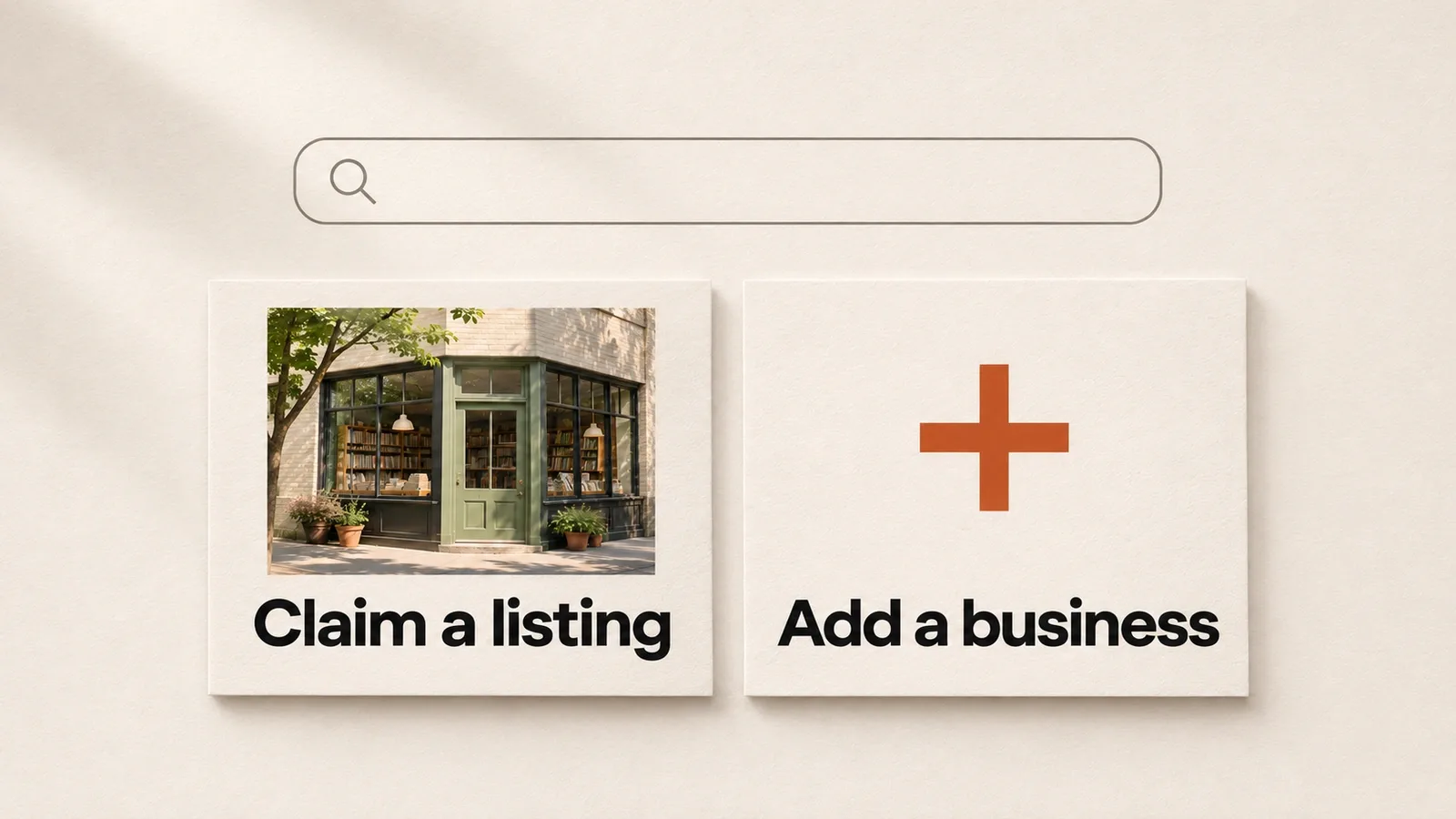
There are two ways in. Most businesses already have a listing that ChatGPT built from public sources, so you claim it. Eligible online businesses with no listing can create one. Both routes start in the same place: sign in with the ChatGPT account you want to manage the profile, then open Business Hub.
Claim an Existing Business Listing
Claiming takes a few minutes if your contact details are current.
- Sign in to ChatGPT and open Business Hub from the sidebar.
- Search for your business by name and select the listing that matches it.
- Select Get started and confirm the ChatGPT account that will manage the profile.
- Choose one of the verification methods offered for your business and complete it.
- Wait for OpenAI to review the claim.
If you received a claim invitation by email, open the personal link and sign in with the address that received it. Don't forward that link to anyone else. If the search shows a Contact support message, the listing is locked and access goes through OpenAI Support.
Create a Profile for an Eligible Online Business
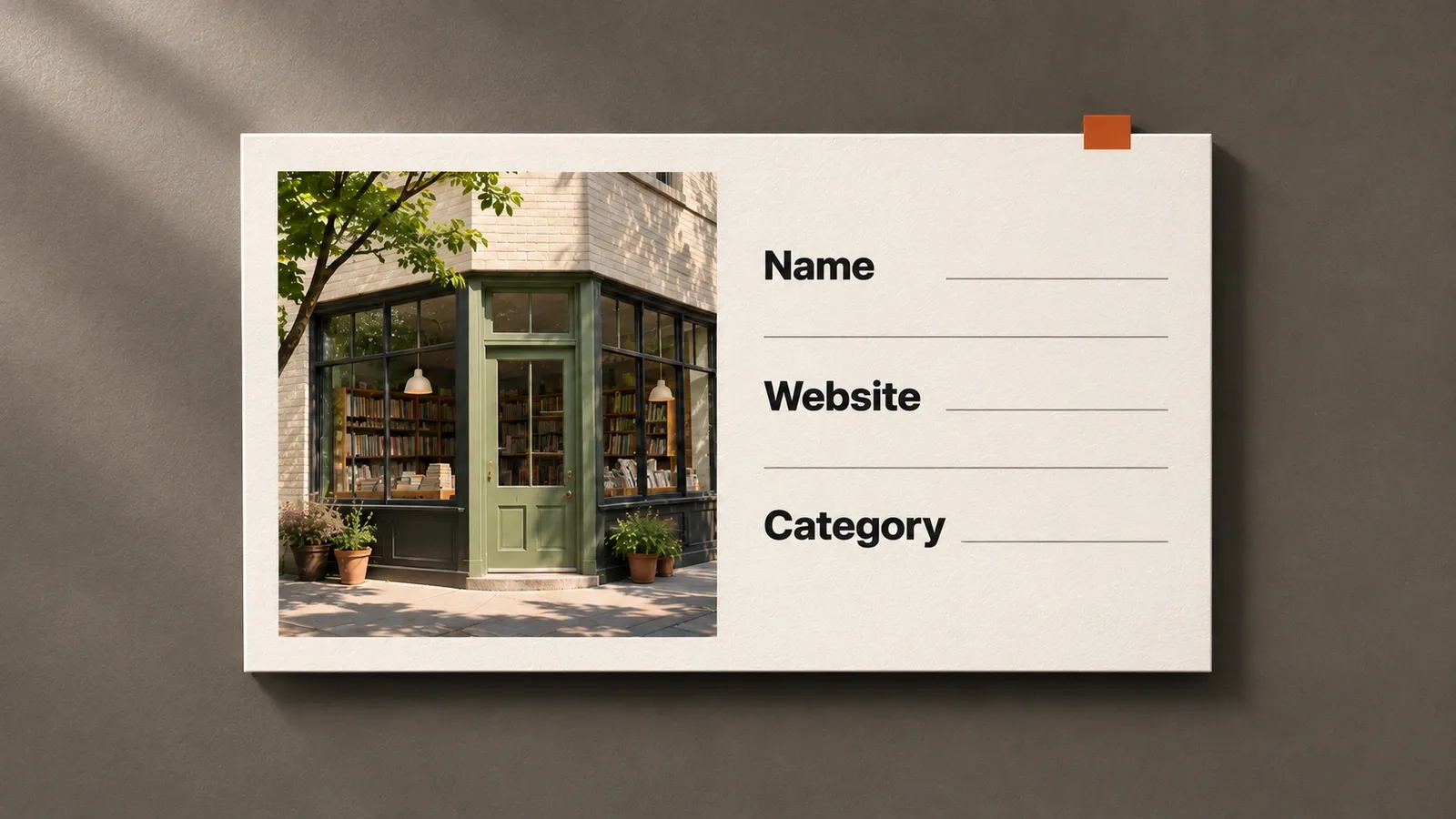
If your search returns nothing, an eligible online business may see an option to add a new profile. Local stores and restaurants can't create new profiles at the moment.
Check every detail before you submit. When you verify with Persona while creating a new profile, OpenAI's approval publishes the profile automatically, with no separate publishing step. Support also can't unpublish a profile once it's live, so a typo in your description or category stays until you edit it and the change is reviewed.
Business Profile Verification
Verification has two layers. The first proves you're connected to the business and gets your claim approved. The second, through Persona, proves who you are and opens the tools that matter. Claim approval alone gives you access to the profile but no verified badge and no insights.
Business Verification Methods
Business Hub offers one or more of these methods, depending on your business. Not every business sees every option.
- Business phone: a code sent by text or automated call to the number on the listing.
- Business email: a code sent to an address at your business.
- Website domain: a TXT record you add to your DNS settings. Your web developer or hosting provider can add it for you, and it can take a while to register.
- Shopify: connect your store, review the permissions and sign in. You need login access to that store.
The domain route is often the most reliable for service businesses whose listed phone number is out of date. It also matters later, because adding products requires a verified business domain.
Claim Review and Approval
After you submit, OpenAI reviews the claim and emails a decision or a request for more information, such as business registration documents. You can select Cancel claim while it's under review if you picked the wrong listing or account.
Approval opens your business in Business Hub. It does not finish verification. You still need Persona before anything you edit goes live.
Identity Verification with Persona
Persona is the identity check OpenAI uses to confirm the person managing the profile is authorized to do so. Once approved, you can publish profile changes, connect a product feed, view insights and, in the US, create a Business Agent. The blue verified check also appears only after Persona approval.
Have a government issued ID, your business registration details and proof that you can represent the business ready. Your name, address and registration or tax numbers need to match official records, since mismatches are the usual reason a check fails. If you skipped Persona during the claim, open the Business tab, select your profile and choose the Persona option. A failed or expired check comes with emailed instructions, and you can retry if the option is offered.
Managing Your Verified Profile
A verified profile is something to maintain, much like a Google Business Profile. OpenAI expects the information to be truthful and current, and it doesn't check every detail, so accuracy sits with the business. ChatGPT also draws on other sources such as your website and reviews, which is why the profile works best when it matches what your site already says.
Business Details and Product Feeds
After approval you can update your website, business description, category, logo and cover photo, plus delivery and return policies and other optional details. OpenAI reviews changes before they publish, so allow some time for updates to show.
Businesses that sell products can connect a feed with prices and availability in three ways: upload a CSV that follows OpenAI's product feed specification, provide a hosted feed URL, or connect a Shopify store. A Shopify store isn't required. Products must follow OpenAI's commerce policies, and a connected feed doesn't guarantee recommendations. If you're planning a store around this, the feed is only as good as the product data behind it, which is where e-commerce website development comes in.
Mentions and Website Clicks
The Insights tab shows aggregate data for the past 7 or 28 days. Read the numbers carefully, because the definitions are narrow.
- Mentions: for an online business, a mention counts only when ChatGPT references your website, not just your name. For a local business, it counts when ChatGPT shows a result for your location.
- Website clicks: clicks from ChatGPT to your site. They don't confirm a visit or a conversion.
- Discovery topics: up to five broad themes from answers that mentioned you. Individual prompts and conversations aren't shown.
Blank metrics don't always mean zero activity. The reporting threshold may not be met yet, or data may still be collecting. Pair Insights with your own analytics so you can see what those clicks do once they land on a page built by a team that handles website design with conversion in mind.
Conclusion
If your business is eligible, start by claiming your profile in Business Hub. It’s free, and once you’re verified, you can update the details ChatGPT may use when people ask about your business. Approval times vary, and claiming your profile doesn’t guarantee more recommendations.
It’s also worth looking at your website from a customer’s point of view. Can someone quickly tell what you offer, where you work, and how to book or buy? Our article on what an AI SEO agency in Vancouver does in practice walks through three examples. If you’d like a hand with your profile or figuring out what to update on your site, reach out to Perseus Creative Studio.