Why is my business not showing up on Google? Start by searching for your exact business name and city. If you can’t find your listing on Google Maps, check your Google Business Profile for a verification request, a suspension notice, or a duplicate flag. It’s also worth checking that your business meets Google’s eligibility rules.
If your listing shows up by name but rarely appears for a search like “roofing in Burnaby,” take a closer look at how you rank for the services you offer. If your listing appears on Maps but your website is missing from Google Search, check whether your key pages are indexed in Search Console. If you’re looking for SEO services in Vancouver, we can help you pinpoint the problem and decide what to fix first.
Check What Customers Can Find
Start with a signed out search, ideally in a private browser window and on a phone, because Google adjusts results to the searcher's location and history. Run three searches and write down what each one shows before you change anything.
Each search answers a different question:
| Search to run | What it tells you | If you are missing |
|---|---|---|
| Exact business name plus city | Whether the profile is live at all | Check verification, suspension and duplicates |
| Main service plus city, such as "roofing Burnaby" | Whether you rank for buying searches | Work on relevance and prominence |
| site:yourdomain.com | Roughly how many of your pages Google has indexed | Open Google Search Console |
Avoid editing your business name, address or category while you diagnose. Those edits can send the profile back into review and slow the real fix.
Why Is My Business Not Showing Up on Google Maps?
A business that has disappeared from Google Maps usually has one of three problems: nobody has completed verification, Google has suspended the profile or found a duplicate, or the profile does not meet Google's eligibility rules. Each one leaves a different sign inside the Business Profile, so sign in and look before you guess.
Profile Ownership and Verification
Google does not show a new profile to customers until the business is verified. After you finish the verification steps, Google says its review can take up to 5 business days. If Google sent a postcard, most codes arrive within 14 days, and editing the name, address or category while you wait cancels the code already in the mail. When the "Get verified" button reappears, Google could not complete the check and you need to try another method.
Ownership causes as many problems as verification. Profiles are often created by a former employee, a web developer or a past agency on their own Google account. If you cannot sign in, request ownership through Google's claim process. Once you have control, add your team as managers instead of sharing one login, so the profile never depends on one person again.
Suspended or Duplicate Listings
A suspended profile disappears from Search and Maps entirely, and the dashboard shows a notice. The fix is an appeal through Google's appeals tool, backed by evidence such as a business registration or licence. Google says it clears most appeals within 3 to 5 days. Do not create a new profile while the appeal is open. That creates a duplicate and usually makes the case harder.
Duplicates cause a quieter problem. Google's guidelines allow only one profile per business, and two listings for the same location split your reviews and confuse which one should rank. Search Maps for your name, your phone number and any previous address, then report the extra listing to Business Profile support so it can be removed.
Business Eligibility and Address Settings
Google lists businesses that meet customers in person, either at a location customers can visit or by travelling to them. A virtual office or a mailbox at an address where you do not work is not eligible. A business that operates only online, with no in person contact, generally does not qualify for a Business Profile either.
Address settings catch out many service businesses. If you travel to clients, as most contractors, cleaners and photographers do, Google asks you to hide your address and set a service area instead. Hiding the address does not remove you from Maps. It tells Google where you work, and you then compete for searches inside that area.
Ranking for Local Service Searches
If your name search works but "electrician near me" does not, your profile exists and is losing on ranking. Google ranks local results on three factors: relevance, distance and prominence. Google also states plainly that you cannot request or pay for a better local ranking.
Here is what moves each factor:
- Relevance: pick the most specific primary category, list every service you offer, and write a description in the words customers actually search.
- Distance: you cannot move your office, but an accurate service area and dedicated location pages on your website help Google connect you to the right neighbourhoods.
- Prominence: Google names reviews, ratings and links from other websites as signals. Reply to every review, and earn mentions from local directories, suppliers and press.
Photos and video matter here too. Google encourages businesses to add them to show what they offer, and real photos of finished work give a searcher a reason to choose your listing over the one beside it. A logo and a blurry storefront shot do the opposite.
Website Indexing in Google Search Console
Your website ranks separately from your Business Profile, so a missing website is its own problem. Check indexing first in Google Search Console, the free tool that shows what Google knows about your pages. Verify your domain, submit your sitemap, then paste your homepage and main service page into the URL Inspection tool.
The verdict at the top tells you where you stand. "URL is on Google" means the page is eligible to appear, though Google notes this does not guarantee it will show in results. "URL is not on Google" means it cannot appear yet, and the report shows the reason: a noindex tag left on after a site launch, a page blocked in robots.txt, a redirect, or a canonical tag pointing to another page. Fix the cause, run a live test, then request indexing once. Repeated requests for the same page do not speed anything up.
If many pages show as crawled but not indexed, the cause is usually thin or repeated content rather than a technical block. A website performance and SEO audit finds both kinds of issue in one pass, along with the mobile speed problems that hold pages back.
Why Is My Business Not Showing Up in ChatGPT?
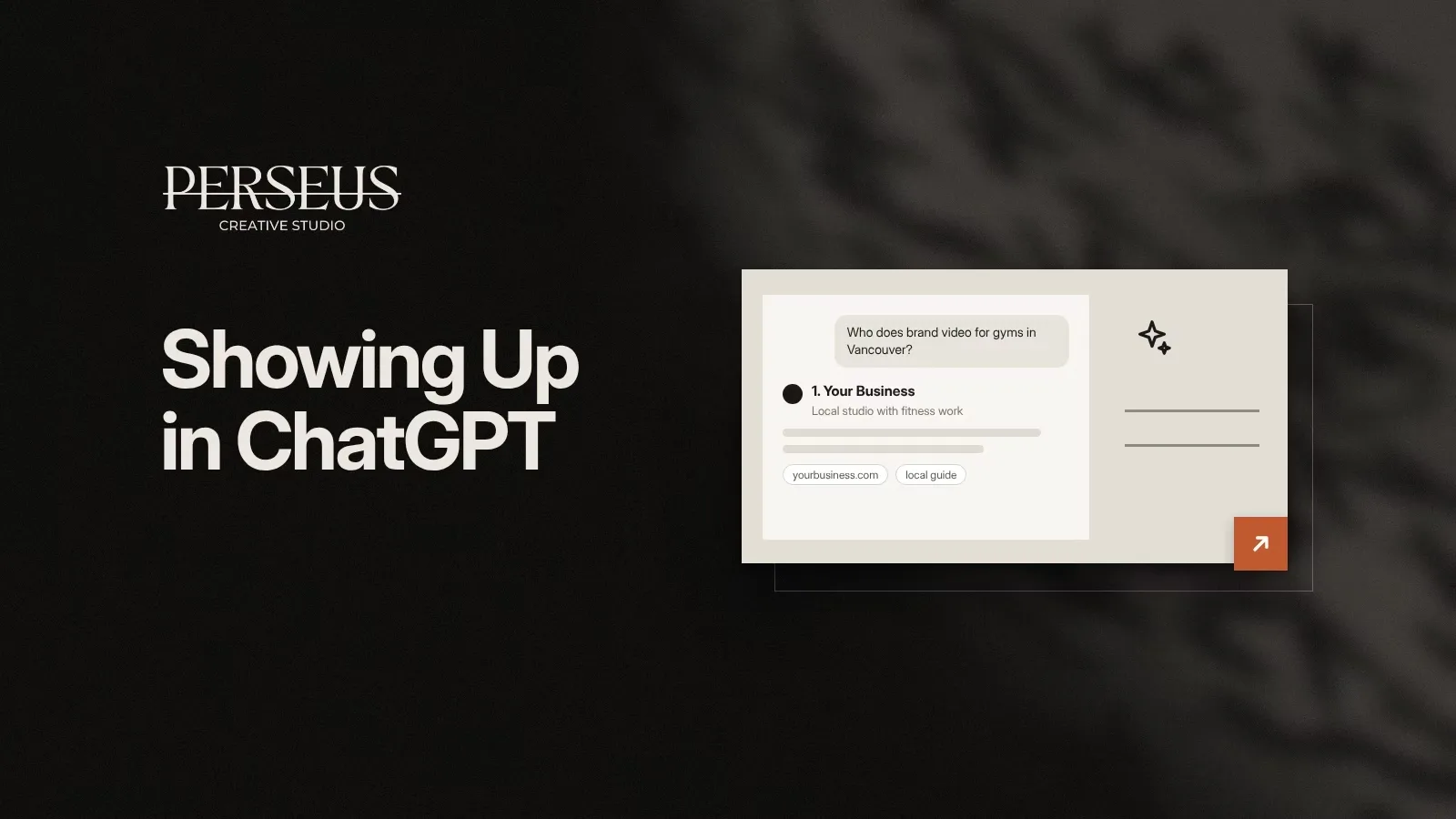
ChatGPT recommends businesses it can find on the web and describe with confidence. If it leaves you out, it usually cannot reach your website, cannot find clear information about what you do and where, or finds stronger mentions of other businesses in the sources it cites. Perseus Creative Studio treats this as part of SEO work, and its own enquiry form asks new clients whether they heard about the studio through an AI assistant. Three real projects are written up in the Perseus guide to choosing an AI SEO agency in Vancouver.
Testing Service and Location Prompts
Test the way buyers ask. Open a temporary chat so your past conversations do not shape the answer, then type the questions a customer would use, such as "kitchen renovation company in North Vancouver" or "drone photography for construction sites in Surrey". Note whether you appear, which businesses do, and which websites ChatGPT lists as sources.
Repeat the test every month with different wording. Answers change between sessions, so one result means little. A pattern across ten prompts shows where you stand.
Website Access for OAI-SearchBot
ChatGPT search depends on OpenAI's crawler, OAI-SearchBot. OpenAI states that sites which opt out of OAI-SearchBot will not be shown in ChatGPT search answers, though they can still appear as plain navigational links. Open your robots.txt file and look for a Disallow rule that names OAI-SearchBot or blocks all bots. Then check your hosting, firewall and CDN settings, since some security tools block AI crawlers by default.
The OpenAI crawler documentation lists the user agent and IP ranges to allow, and OpenAI says robots.txt changes take about 24 hours to apply. Blocking GPTBot, the training crawler, is a separate decision and does not remove you from ChatGPT search.
Business Information in Cited Sources
Look at the sources ChatGPT cites when it recommends your competitors. They are often directories, review sites, local news and "best of" lists. Make sure your business name, address, phone number and services read the same in those places as on your own site, and that each service page says plainly what you do and which areas you serve.
OpenAI also opened Business Hub in beta on November 10, 2026, which lets eligible businesses claim and correct their profile in ChatGPT. Claiming improves the accuracy of what ChatGPT says about you. It does not buy a better position. The Perseus guide on how to add your business to ChatGPT walks through the claim and verification steps.
Conclusion
If your business isn’t showing up on Google, start by finding out where customers lose sight of you. A missing Google Maps listing may point to a Google Business Profile issue. If your website is missing from Google Search, check whether your key pages are indexed. If customers can find you by name but rarely see you when searching for your services, focus on improving your local visibility over time.
Perseus Creative Studio brings Google Business Profile management, SEO, website fixes, photography, and video together in one team. Whether customers are looking for you on Google Search, Maps, or ChatGPT, we can help you assess where you stand, decide what to fix first, and build a marketing plan to attract more qualified enquiries and grow your business.